
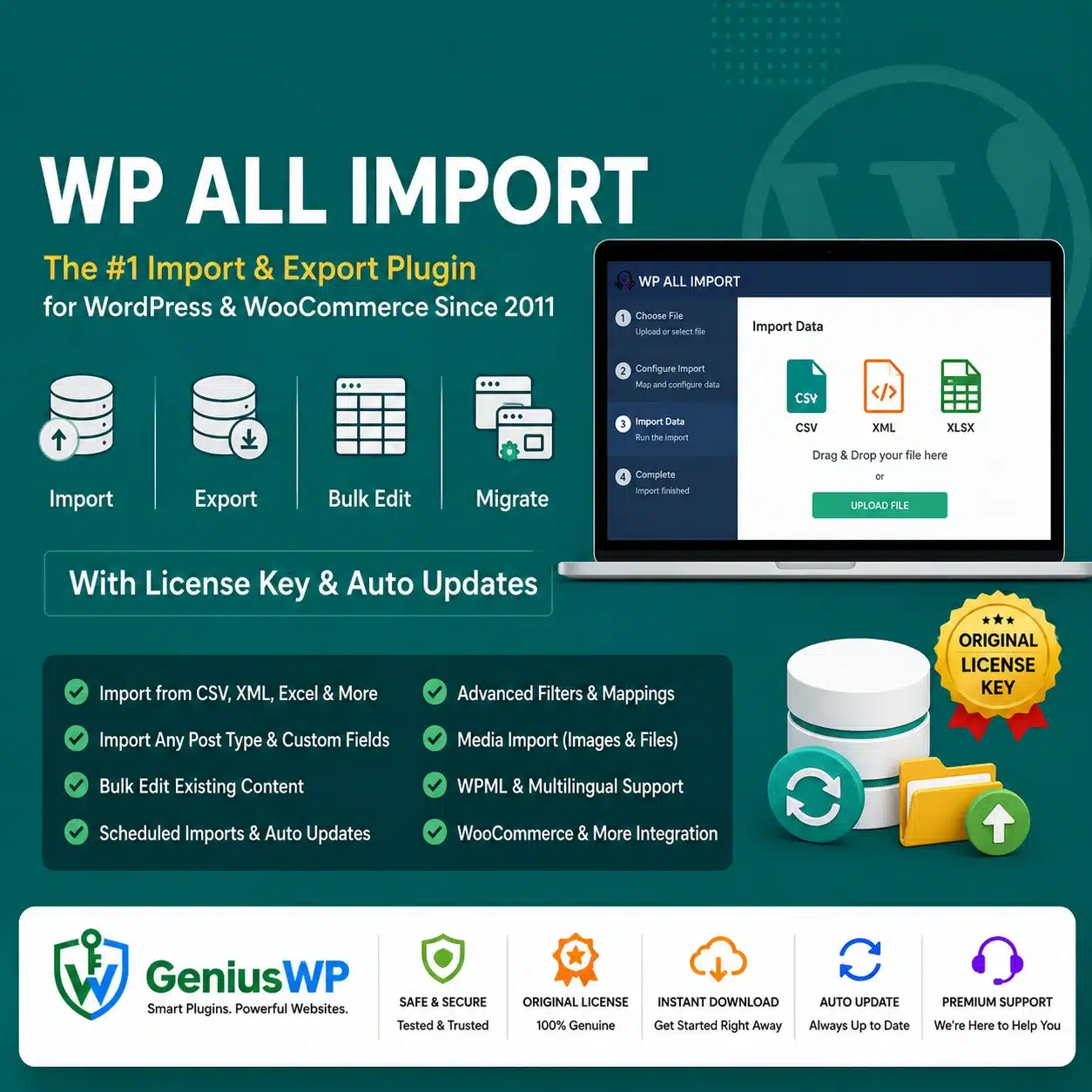

WP All Import Pro – Advanced WordPress Import Plugin
WP All Import Pro is a powerful WordPress data-import plugin that allows you to import content from CSV, XML, Excel and Google Sheets files into WordPress through a visual drag-and-drop interface.
It can import posts, pages, taxonomies, users and custom post types created by themes or plugins. With the appropriate addons, it can also import WooCommerce products, variations, orders, customers and data associated with ACF, Meta Box, JetEngine and Gravity Forms.
The plugin works with different file structures, so you do not normally need to rename columns or reorganize the source file before starting an import. Incoming data elements can be mapped to the corresponding WordPress fields using its visual import builder.
Key Features
✓ Import data from CSV files
✓ Import XML data into WordPress
✓ Import Excel XLS and XLSX spreadsheets
✓ Import data from Google Sheets
✓ Import WordPress posts and pages
✓ Import categories, tags and custom taxonomies
✓ Import custom post types
✓ Import custom fields and post metadata
✓ Import images and complete galleries
✓ Set featured images automatically
✓ Import image titles, captions and alt text
✓ Import WooCommerce products and variations
✓ Import WooCommerce orders and customers
✓ Import product attributes, prices and stock
✓ Import WordPress users with the required addon
✓ Update existing WordPress records
✓ Create new records from incoming data
✓ Select exactly which fields should be updated
✓ Filter records before importing
✓ Schedule automatic recurring imports
✓ Process large import files in manageable batches
✓ Save reusable import templates
✓ Use custom PHP functions during imports
✓ Use conditional logic and IF statements
✓ Process repeated data using FOREACH loops
✓ Use XPath for advanced XML mapping
✓ Run imports through cron jobs
✓ Run supported imports through WP-CLI
✓ WPML multilingual workflow support
✓ Developer hooks, filters and API access
✓ Genius WP auto-update access, where applicable
Official documentation confirms support for importing images, custom fields, taxonomies, large files, scheduled updates, reusable templates, PHP functions, XPath, conditional statements and developer hooks.
Easy Drag-and-Drop Import Builder
WP All Import Pro provides a visual interface for connecting information in your source file to the correct WordPress fields.
For example, you can drag:
- A product name into the product-title field
- A description into the content editor
- A price into the WooCommerce price field
- An image URL into the product-gallery section
- A category name into the taxonomy section
- A custom value into a theme or plugin field
The plugin automatically detects many custom fields used by installed themes and plugins, making complex data mapping easier without manually identifying every database key.
Import from CSV, XML, Excel and Google Sheets
WP All Import Pro supports commonly used data sources, including:
- CSV files
- XML files
- Excel spreadsheets
- Google Sheets
- Files uploaded from a computer
- Files stored on the website server
- Files available through a remote URL
The source file can contain a simple spreadsheet structure or a complex nested XML format. Mapping and filtering options allow the data to be adapted during import.
Import WordPress Content
The plugin can import a wide range of WordPress data, including:
- Blog posts
- WordPress pages
- Custom post types
- Categories and tags
- Custom taxonomies
- Custom fields
- Featured images
- Image galleries
- Attachments
- Authors and publication dates
- Gutenberg content
- Theme and plugin metadata
Custom post types created by directory themes, property themes, job-board plugins or other WordPress tools can also be imported by mapping incoming values to the relevant fields.
WooCommerce Product Import
With the required WooCommerce Import Add-On, WP All Import Pro can import and update WooCommerce information such as:
- Simple products
- Variable products
- Product variations
- Product SKUs
- Regular and sale prices
- Product descriptions
- Product categories and tags
- Product attributes
- Stock quantities and stock status
- Product images and galleries
- Shipping information
- Custom product fields
- WooCommerce orders
- Customers and coupons
The official documentation includes dedicated workflows for WooCommerce products, variable products, stock synchronization, price updates, orders, customers and coupons.
Import Variable Products
WP All Import can create parent variable products and connect their individual variations using identifiers from the source file.
You can import attributes such as:
- Colour
- Size
- Material
- Storage capacity
- Product style
- Pack size
- Other custom WooCommerce attributes
Product variation imports require correctly structured identifiers and mappings. Test a small sample before importing a complete product catalogue.
Update Existing WordPress Data
WP All Import Pro is not limited to creating new content. It can also match incoming records with existing WordPress content and update selected information.
For example, you can configure an import to:
- Update product prices
- Synchronize stock quantities
- Replace selected images
- Update product descriptions
- Change categories or attributes
- Add newly available products
- Remove or retain missing records
- Leave manually edited fields unchanged
The update settings provide field-level control, allowing you to decide what should be replaced and what should remain untouched.
Automatic and Scheduled Imports
WP All Import Pro can run recurring imports through WordPress cron or a server cron job.
This is useful for:
- Supplier product feeds
- Inventory synchronization
- Daily price updates
- Property-listing feeds
- Job-listing imports
- Affiliate-product feeds
- Membership-data updates
- Regular content migrations
The plugin checks the configured source and can create, update or remove records according to the import settings. Hosted scheduling services offered by the original developer may require a separate eligible account or subscription.
Advanced Filters
Use filter rules to import only the records that meet specific conditions.
For example, you can import:
- Products from selected categories
- Items with stock greater than zero
- Orders from a particular period
- Properties within a selected price range
- Posts from a specific author
- Products from one supplier
- Records with a required status
- Customers from selected locations
Filters can reduce unnecessary processing and keep the imported data focused on your actual requirements.
Image and Gallery Import
WP All Import Pro can download images from external URLs, use files already available on the server and connect images with imported posts or products.
Supported image-related workflows include:
- Featured-image creation
- Multiple gallery images
- Variable image counts
- Image titles
- Captions
- Descriptions
- Alternative text
- Matching existing Media Library items
Remote images must remain publicly accessible during the import, and the hosting server must have sufficient resources to download and process them.
Custom Fields and Plugin Data
Many WordPress themes and plugins store their information in custom fields. WP All Import Pro can detect and populate these fields during an import.
This makes it suitable for importing data into:
- Property-listing themes
- Directory websites
- Job-board plugins
- SEO plugins
- Membership systems
- Event-management plugins
- Custom WooCommerce extensions
- Advanced Custom Fields
- Meta Box
- JetEngine
Some integrations require a separate dedicated addon, while others can be mapped through standard custom-field controls.
Developer Tools and Custom PHP
Advanced users can modify incoming values using custom PHP functions and WordPress developer hooks.
The plugin also supports:
- IF statements
- FOREACH loops
- XPath expressions
- Action hooks
- Filters
- Custom functions
- API-based extensions
- WP-CLI execution
WP-CLI support was added to current WP All Import Pro releases and can be useful for server-level automation and processing.
Current WP All Import Addons
The official Import Pro package currently lists separate import addons for:
- WooCommerce
- Advanced Custom Fields
- Meta Box
- JetEngine
- Gravity Forms
- WordPress Users
Your Genius WP product page should list only the addons that are genuinely included in the customer’s downloadable package.
Suitable For
- WooCommerce store owners
- Product-feed imports
- Supplier inventory synchronization
- WordPress website migrations
- Property and real-estate websites
- Job-board websites
- Directory and listing portals
- Membership websites
- Affiliate-product websites
- Content-heavy WordPress websites
- Agencies managing client data
- Developers building automated workflows
Why Choose WP All Import Pro from Genius WP?
Genius WP provides convenient access to the supplied WP All Import Pro package for WordPress users, WooCommerce store owners, developers and agencies.
Customers receive the downloadable plugin files, the addons specified in the purchased package and available updates through the Genius WP auto-update system, according to the selected website plan and current update policy.



Reviews
There are no reviews yet.