
WPCodeBox Pro – Advanced WordPress Code Snippets Plugin
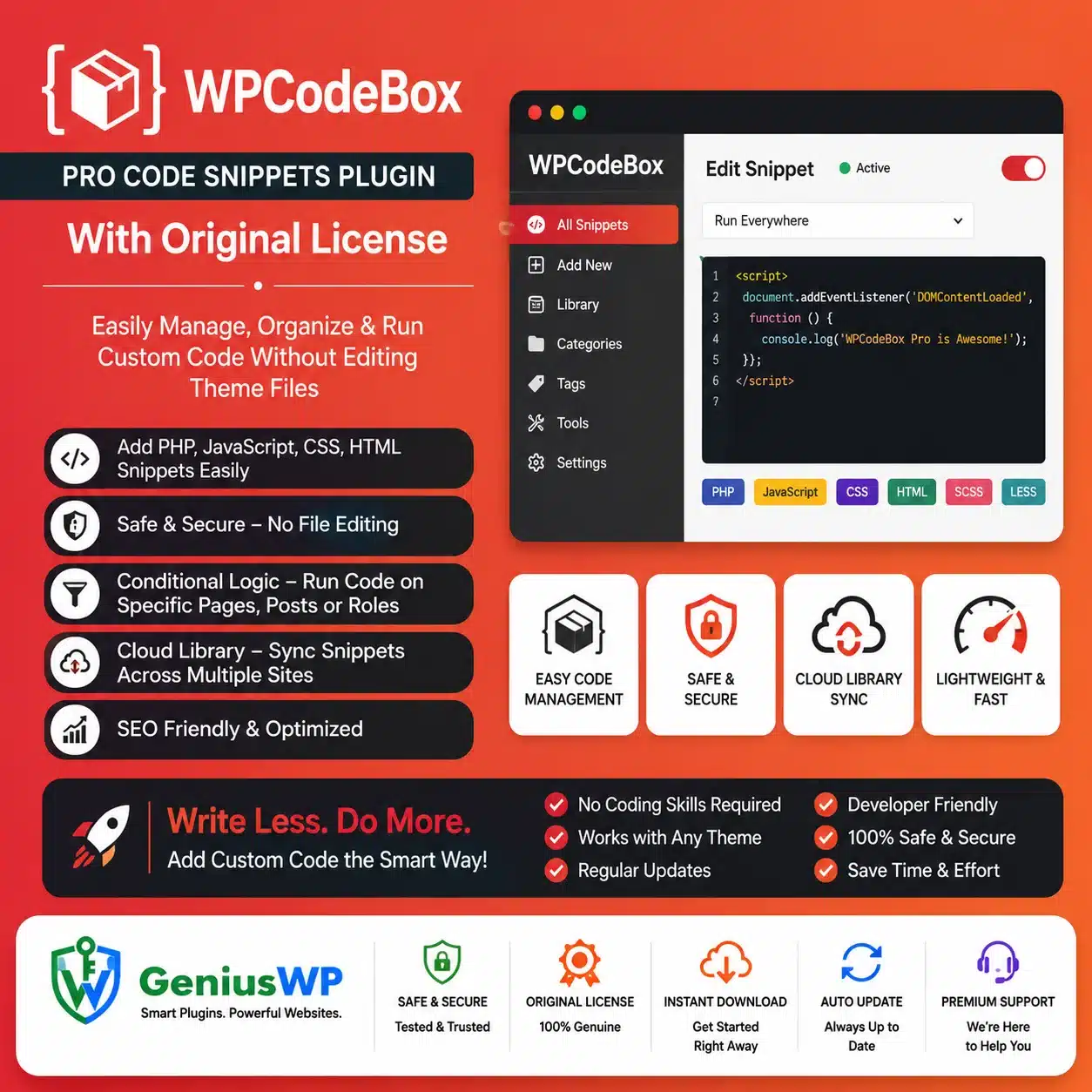
WPCodeBox Pro is a professional WordPress code snippets manager that lets developers, agencies and website owners create, organize and run custom code without editing theme or WordPress core files.
You can manage PHP, CSS, JavaScript, SCSS, LESS, HTML and documentation snippets through a dedicated editor inside the WordPress dashboard. Snippets can be enabled, disabled, organized into folders and configured to run only where they are required.
WPCodeBox is particularly useful for users who regularly add custom functionality, styling, tracking scripts, WooCommerce modifications or reusable development code across WordPress projects.
Key Features
✓ Manage custom code directly inside WordPress
✓ PHP code-snippet support
✓ CSS and JavaScript snippets
✓ SCSS and LESS preprocessing
✓ HTML and Markdown snippet support
✓ Advanced Monaco-based code editor
✓ WordPress function, hook and filter autocomplete
✓ In-editor WordPress documentation
✓ Conditional snippet loading
✓ Nested condition groups
✓ Frontend and admin execution controls
✓ Run PHP snippets manually
✓ Run supported snippets through secure URLs
✓ Create shortcodes from snippets
✓ Organize snippets using folders
✓ Search snippets by name, description or code
✓ Save and reuse snippets across websites
✓ Access a ready-to-use snippet repository
✓ Snippet revisions and code-difference history
✓ Import and export snippets
✓ Generate standalone WordPress plugins
✓ Create a separate functionality plugin
✓ Automatic error detection and snippet disabling
✓ Safe Mode for troubleshooting
✓ Code-signing and integrity checks
✓ Genius WP auto-update access, where applicable
WPCodeBox officially supports conditional execution, cloud storage, repository snippets, secure URL execution, plugin generation, a functionality plugin and multiple supported snippet types.
Advanced Code Editor
WPCodeBox includes an IDE-style editor designed to make WordPress development more convenient.
The editor can provide:
- WordPress function and hook suggestions
- CSS, JavaScript, SCSS and HTML completions
- Bracket matching
- Multiple cursors
- Emmet support
- WordPress documentation while hovering over functions
- Adjustable layouts and font sizes
- Code maps and line wrapping
Its editor detects the selected snippet type and provides relevant suggestions based on the code being written.
Supported Code-Snippet Types
WPCodeBox can manage several types of custom code.
PHP Snippets
Add custom WordPress functionality, hooks, filters, database queries or WooCommerce modifications without editing functions.php.
CSS, SCSS and LESS
Create frontend styling changes and use preprocessors such as SCSS or LESS for variables, nesting, reusable mixins and better stylesheet organization.
JavaScript
Add interactive functionality, tracking scripts, frontend modifications and supported AJAX behaviour.
HTML
Insert custom markup, third-party scripts or structured page elements.
Markdown
Store internal notes, documentation and instructions alongside your executable snippets.
Conditional Logic
The Condition Builder lets you control exactly where a snippet should run.
Conditions can be used to target:
- Specific pages or posts
- The WordPress frontend
- The administration dashboard
- Selected URLs
- Particular post types
- WooCommerce pages
- Logged-in or logged-out visitors
- Other supported WordPress conditions
Multiple conditions can be combined and nested to create more advanced execution rules.
Conditional loading can reduce unnecessary execution because a snippet is loaded only in the locations where it is needed.
Automatic, Manual and Secure URL Execution
WPCodeBox supports multiple ways to run snippets.
Automatic execution runs the snippet when a matching page or WordPress action loads.
Manual execution allows supported PHP snippets to run only when an administrator selects the Run option.
External secure URL execution generates a protected URL that can trigger the snippet from a webhook or external service such as Zapier. The URL can also be regenerated to invalidate the previous address.
Cloud Snippet Storage
WPCodeBox provides cloud storage that can help users reuse selected snippets across multiple WordPress websites.
Snippets and folders can be uploaded to the connected cloud account and downloaded onto other installations. Downloaded cloud snippets remain disabled until they are manually reviewed and enabled.
Cloud access requires an eligible WPCodeBox account and API key. Do not advertise original WPCodeBox cloud access as included unless it has been tested and is genuinely available with your Genius WP package.
WordPress Snippet Repository
The built-in repository provides ready-to-use WordPress snippets that can be searched and filtered by category.
Users should review repository snippets before enabling them and confirm that the code is suitable for their WordPress, PHP, theme and plugin versions.
Error Protection and Safe Mode
WPCodeBox can detect many snippet-related errors and automatically disable the affected snippet. The error is then displayed inside the editor so it can be corrected before reactivation.
For rare cases where an error prevents normal website access, WPCodeBox provides Safe Mode options that temporarily disable snippet execution for troubleshooting.
This safety system reduces risk but cannot guarantee that every incorrect or insecure code snippet will be detected.
Functionality Plugin
The Functionality Plugin feature moves managed snippets into a separate WordPress plugin.
Once enabled, the custom functionality can continue running even when the primary WPCodeBox interface plugin is deactivated. WPCodeBox automatically synchronizes edits with the Functionality Plugin while both remain configured.
This can be useful for:
- Client website handovers
- Keeping custom functionality separate
- Reducing dependency on theme files
- Organizing site-specific development code
Generate Standalone WordPress Plugins
WPCodeBox can package selected snippets into an independent WordPress plugin.
You can select the required snippets, generate a plugin ZIP and install it on another WordPress website. The generated plugin does not require WPCodeBox to run, although it is no longer managed through WPCodeBox after generation.
Do not activate a generated plugin while duplicate versions of the same snippets are running through WPCodeBox, because this can create conflicts.
Snippet Revisions and Import/Export
Current WPCodeBox releases include revisions with code differences, revision notes, JSON import and export functionality and unique URLs for individual snippets.
These tools can help developers restore previous code, move snippets between websites and maintain clearer internal documentation.
Suitable For
- WordPress developers
- Website-design agencies
- WooCommerce developers
- Freelancers managing multiple websites
- Advanced WordPress administrators
- Websites requiring custom CSS or JavaScript
- Custom tracking-code installations
- Site-specific WordPress modifications
- Client website handovers
- Users replacing small single-purpose plugins
Why Choose WPCodeBox Pro from Genius WP?
Genius WP provides convenient access to the supplied WPCodeBox Pro package for developers, agencies and WordPress website owners.
Customers receive the downloadable plugin files, activated functionality specified in the purchased package and available updates through the Genius WP auto-update system, according to the selected website plan and product policy.


Reviews
There are no reviews yet.