

Zion Builder Pro – Visual WordPress Page Builder
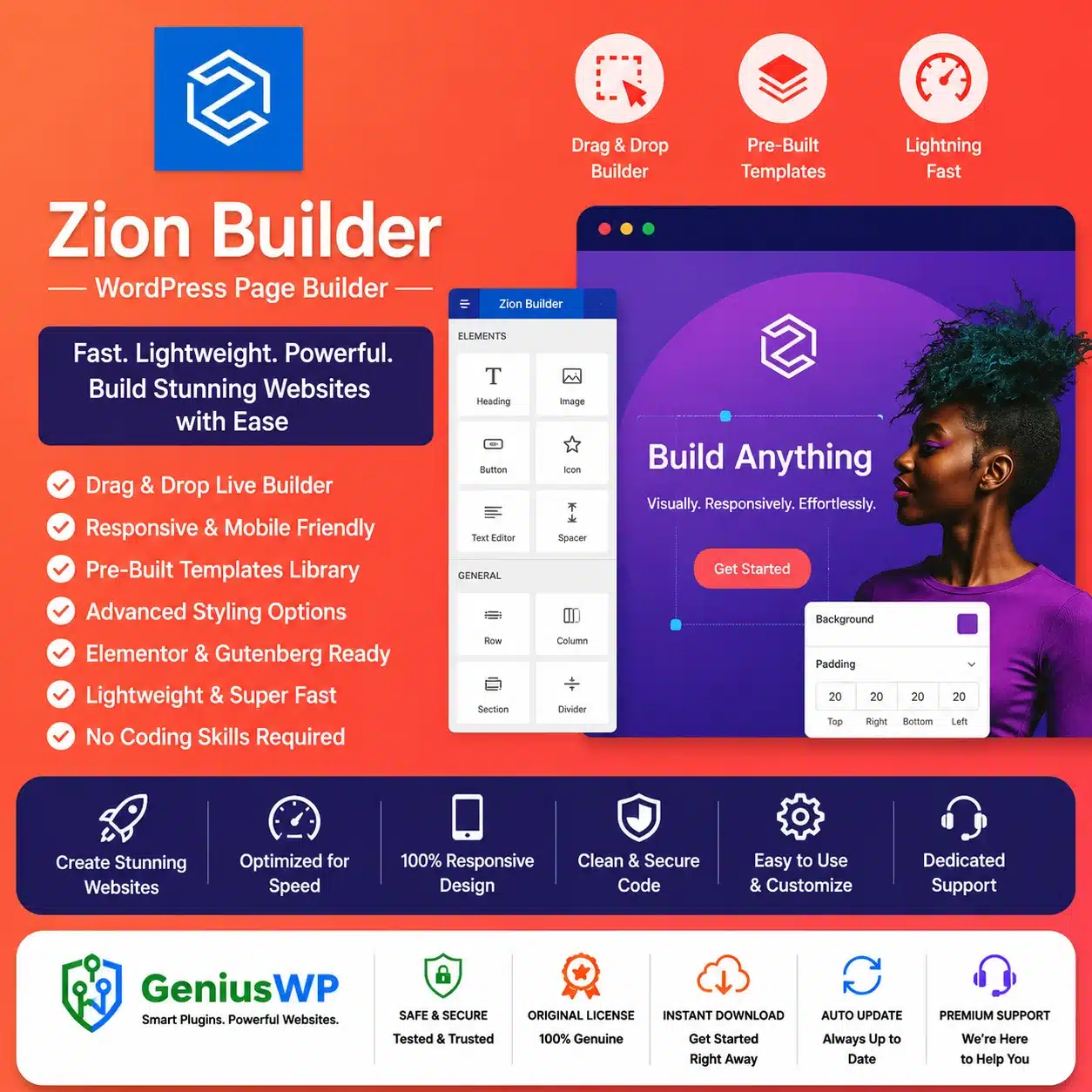
Zion Builder Pro is an advanced drag-and-drop WordPress page builder created for designing responsive websites through a visual front-end editing interface.
It allows you to build landing pages, business websites, blogs, portfolios and WooCommerce stores without manually coding every layout. Website elements can be added, rearranged and styled while viewing the design directly on the page.
The Pro version expands the core Zion Builder experience with Theme Builder functionality, dynamic content, WooCommerce templates, advanced conditions, custom fonts, modal and slider builders, repeater queries and an extended template library.
Key Features
✓ Visual front-end drag-and-drop editor
✓ Live responsive website editing
✓ Theme Builder for site-wide templates
✓ Custom header and footer builder
✓ Blog archive and single-post templates
✓ WooCommerce product and archive builder
✓ Dynamic content and dynamic-data fields
✓ Repeater and custom-query functionality
✓ Advanced element display conditions
✓ Modal and popup builder
✓ Slider builder
✓ Mega-menu builder
✓ Custom CSS and JavaScript controls
✓ Custom fonts and icon uploads
✓ Adobe Fonts integration
✓ Global colours and gradients
✓ Reusable blocks and page templates
✓ Pro template and element library
✓ Responsive desktop, tablet and mobile controls
✓ Advanced hover and child selectors
✓ Nested tabs and accordions
✓ Transitions, transforms, shadows and filters
✓ Role and user-permission controls
✓ ACF and Meta Box integrations
✓ Local-library sharing across supported websites
✓ White-label functionality
✓ Genius WP auto-update access, where applicable
The current official Pro comparison lists Theme Builder, Header and Footer Builder, Mega Menu, WooCommerce Builder, modal and slider builders, repeater queries, advanced conditions, dynamic content, ACF and Meta Box integration, white labelling and library-sharing functionality.
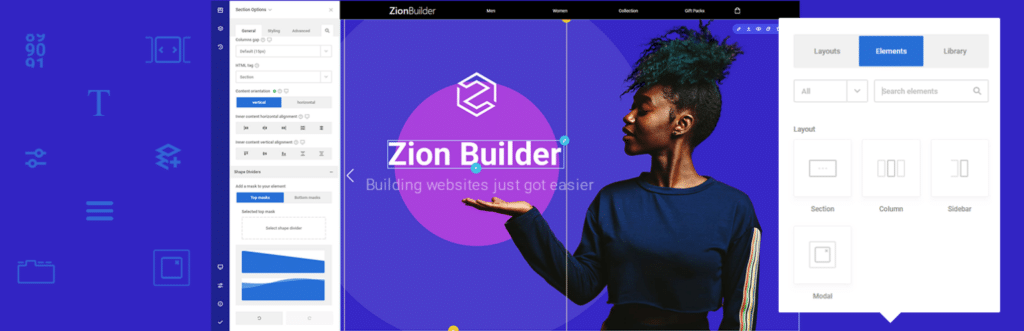
Visual Drag-and-Drop Editing
Zion Builder provides a live visual workspace where you can add sections, columns, headings, images, buttons, videos and other website elements.
Elements follow a consistent option structure, making it easier to manage spacing, typography, backgrounds, borders and responsive behaviour. The editor also provides action history, reusable templates, keyboard shortcuts and searchable settings.
You can use the visual editor to create:
- Landing pages
- Service pages
- Contact pages
- About pages
- Product pages
- Blog layouts
- Portfolio pages
- Promotional sections
- Complete business websites
Theme Builder
The Zion Builder Pro Theme Builder allows you to design templates that apply across different areas of a WordPress website.
You can build custom layouts for:
- Website headers
- Website footers
- Blog archives
- Single blog posts
- Product archives
- Individual product pages
- Other supported WordPress templates
Display assignments can then determine where each design should appear. This provides greater control than editing only the content area of individual pages.
Header and Footer Builder
Create multiple headers and footers and assign them to selected pages or website sections.
For example, you can display:
- A transparent header on the homepage
- A standard header on internal pages
- A simplified header on landing pages
- A separate navigation design for the store
- Different footers for selected website sections
The official Pro feature set includes unlimited header and footer designs through Theme Builder assignments.
WooCommerce Builder
Zion Builder Pro includes WooCommerce design functionality for creating custom product and shop templates visually.
You can design supported layouts for:
- Single-product pages
- Product archive pages
- Shopping-cart elements
- Checkout sections
- Customer information
- Order-review sections
- Thank-you pages
- Product notices and add-to-cart elements
WooCommerce pages contain important transactional functionality, so payment methods, product variations, taxes, shipping and account areas should be tested carefully after customization.
Dynamic Content
Dynamic-content controls allow one reusable design to display information from the current WordPress post, page or product.
Dynamic fields can be used for information such as:
- Post titles
- Featured images
- Product information
- Post descriptions
- Permalinks
- Custom-field values
- Archive content
- Other supported WordPress data
When the underlying content changes, the design can automatically display the updated information without manually rebuilding the template.
Repeater and Query Builder
Repeater functionality can display multiple records using one reusable design.
It can be used to create layouts for:
- Recent blog posts
- Product grids
- Custom post-type listings
- Portfolio collections
- Team directories
- Dynamic sliders
- Accordions and tabs
- Other query-based content
The official feature list identifies repeater queries as a Pro tool for building dynamic content inside supported advanced elements.
Advanced Display Conditions
Advanced conditions let you control whether an element appears according to configured rules.
Depending on the available condition, you can create experiences based on factors such as:
- Page or post context
- WordPress content type
- User or role
- Dynamic data
- Device-related layouts
- Other supported conditions
This is useful for personalized calls to action, conditional sections and content that should appear only in selected situations.
Modal and Slider Builder
The Modal Builder can create popups containing custom Zion Builder content. Supported trigger options include behaviours such as page loading, scrolling and exit intent.
Slider Builder functionality allows supported sections and elements to be arranged into interactive slides without relying entirely on a separate slider-design system.
Responsive Website Design
Zion Builder provides live responsive controls for adjusting layouts across desktop, tablet and mobile views.
You can independently configure supported properties such as:
- Font sizes
- Spacing
- Element positioning
- Width and height
- Alignment
- Visibility
- Flexbox behaviour
- Responsive columns
Changes made for one device view can be configured without automatically applying the same values to every other screen size.
Advanced Styling Tools
Zion Builder Pro provides styling controls for advanced website designs, including:
- CSS transitions
- Element transforms
- Box shadows
- CSS filters
- Pseudo-selectors
- Hover states
- Child selectors
- Flexbox layouts
- Custom CSS
- Page-level JavaScript
- Global colours and gradients
Advanced developers can use custom CSS and JavaScript, while non-coders can apply many visual effects through the options panel.
Custom Fonts and Icons
Upload supported custom font files and make them available within Zion Builder’s typography settings. You can also upload compatible custom icon packs.
Adobe Fonts integration is supported through a separate Adobe Fonts account and project token. Access to Adobe’s font services is not included with the plugin itself.
ACF and Meta Box Integration
Zion Builder Pro supports dynamic data from Advanced Custom Fields and Meta Box.
This makes it suitable for websites containing structured custom information, such as:
- Property listings
- Directories
- Team-member profiles
- Events
- Portfolio projects
- Product specifications
- Custom business databases
ACF, Meta Box and any premium extensions required for a particular workflow must be installed separately.
Suitable For
- Business and corporate websites
- Landing pages and marketing websites
- Blogs and online magazines
- WooCommerce stores
- Portfolio websites
- Agency and freelancer projects
- Real-estate and directory websites
- Course and membership platforms
- Custom post-type websites
- Developers creating reusable site templates
Why Choose Zion Builder Pro from Genius WP?
Genius WP provides convenient access to the supplied Zion Builder Pro package for WordPress users, developers, freelancers and agencies.
Customers receive the downloadable product files, the premium functionality specified in the purchased package and available updates through the Genius WP auto-update system, according to the selected website limit and update period.
Zion Builder provides website-design tools, but actual loading speed and performance depend on hosting, images, scripts, plugins, layout complexity and optimization settings.



Reviews
There are no reviews yet.