
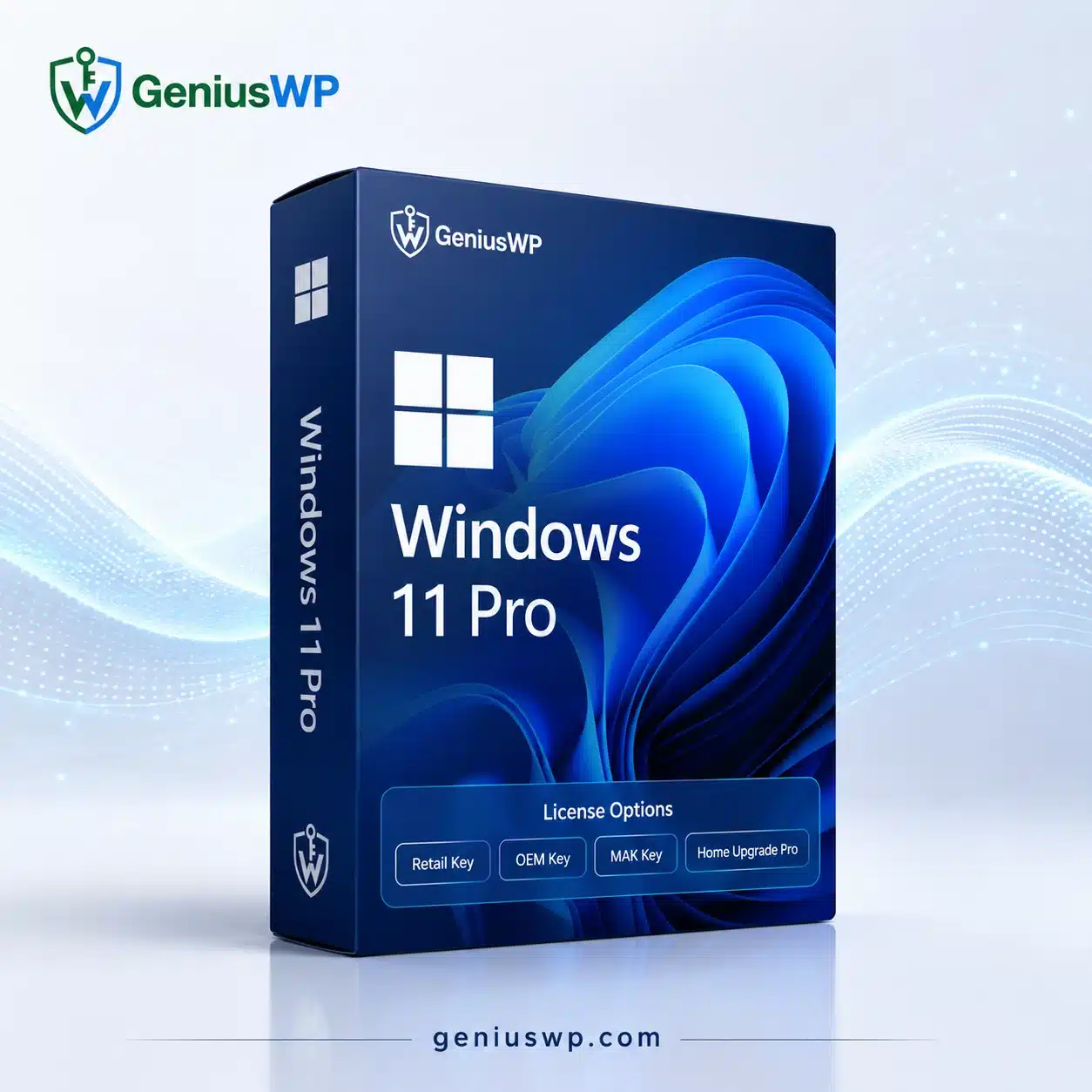
Windows 11 Pro for PC
Windows 11 Pro is Microsoft’s professional edition of Windows 11, designed for business users, professionals, developers, and advanced PC users who need additional security, networking, and remote-management capabilities.
Along with the core Windows 11 experience, the Pro edition provides business-focused features such as BitLocker Drive Encryption, Remote Desktop, and domain or Microsoft Entra ID joining.
GeniusWP provides selectable Windows 11 Pro license options so customers can choose the variant appropriate for their device and activation requirement.
Key Windows 11 Pro Features
Advanced Security
Windows 11 Pro supports BitLocker, which provides encryption for entire disk volumes and helps protect data in situations such as device loss or theft.
Remote Desktop
Windows 11 Pro includes professional remote-access capabilities, making it suitable for users who need to remotely connect to supported Windows PCs.
Business & Domain Features
Pro editions can join organizational domains and Microsoft Entra ID, making Windows 11 Pro suitable for professional and managed business environments.
Modern Windows Experience
Windows 11 provides Microsoft’s current desktop environment with modern productivity, security, gaming, and application features.
Available License Options
Choose the option that matches your requirements.
Retail Key
Select this option when the supplied product is specifically provided under a retail licensing channel.
OEM Key
An OEM option is intended for the applicable device/hardware licensing scenario. Customers should choose OEM only when it matches their installation and hardware requirements.
Home to Pro Upgrade
Choose Home Upgrade Pro if you already have an eligible activated Windows Home installation and need to upgrade the edition to Windows Pro.
Microsoft officially provides a Windows Home → Windows Pro upgrade path.
MAK Key
A Multiple Activation Key (MAK) is associated with Microsoft’s volume-licensing activation model and can have a defined number of activations. It should not be treated as an ordinary consumer retail key.
GeniusWP should offer this option only when the applicable licensing and resale rights have been verified.
Activation
Windows 11 can be activated using either an applicable digital license or a 25-character product key.
A Windows product key follows this format:
XXXXX-XXXXX-XXXXX-XXXXX-XXXXX
Microsoft provides activation through:
Settings → System → Activation → Change product key.
Windows 11 Minimum Requirements
Before purchasing, make sure the PC supports Windows 11.
Microsoft currently lists minimum requirements including:
- Processor: 1 GHz or faster, 2+ cores, compatible 64-bit CPU/SoC
- Memory: 4 GB RAM
- Storage: 64 GB or greater
- Firmware: UEFI with Secure Boot capability
- TPM: TPM 2.0
- Graphics: DirectX 12 compatible graphics
- Compatible display and internet requirements depending on setup
Customers should verify device compatibility before ordering.
Digital Delivery
This is a digital software product.
After your order has been processed, you will receive the applicable product-access and activation instructions according to the license option purchased.
Please verify the license type and number of devices before placing your order.

Reviews
There are no reviews yet.