
Windows 11 Home for PC
Windows 11 Home is designed for everyday PC users who want Microsoft’s current Windows desktop experience for personal productivity, entertainment, browsing, applications, and general home computing.
It is suitable for compatible desktops and laptops that meet Microsoft’s Windows 11 hardware requirements.
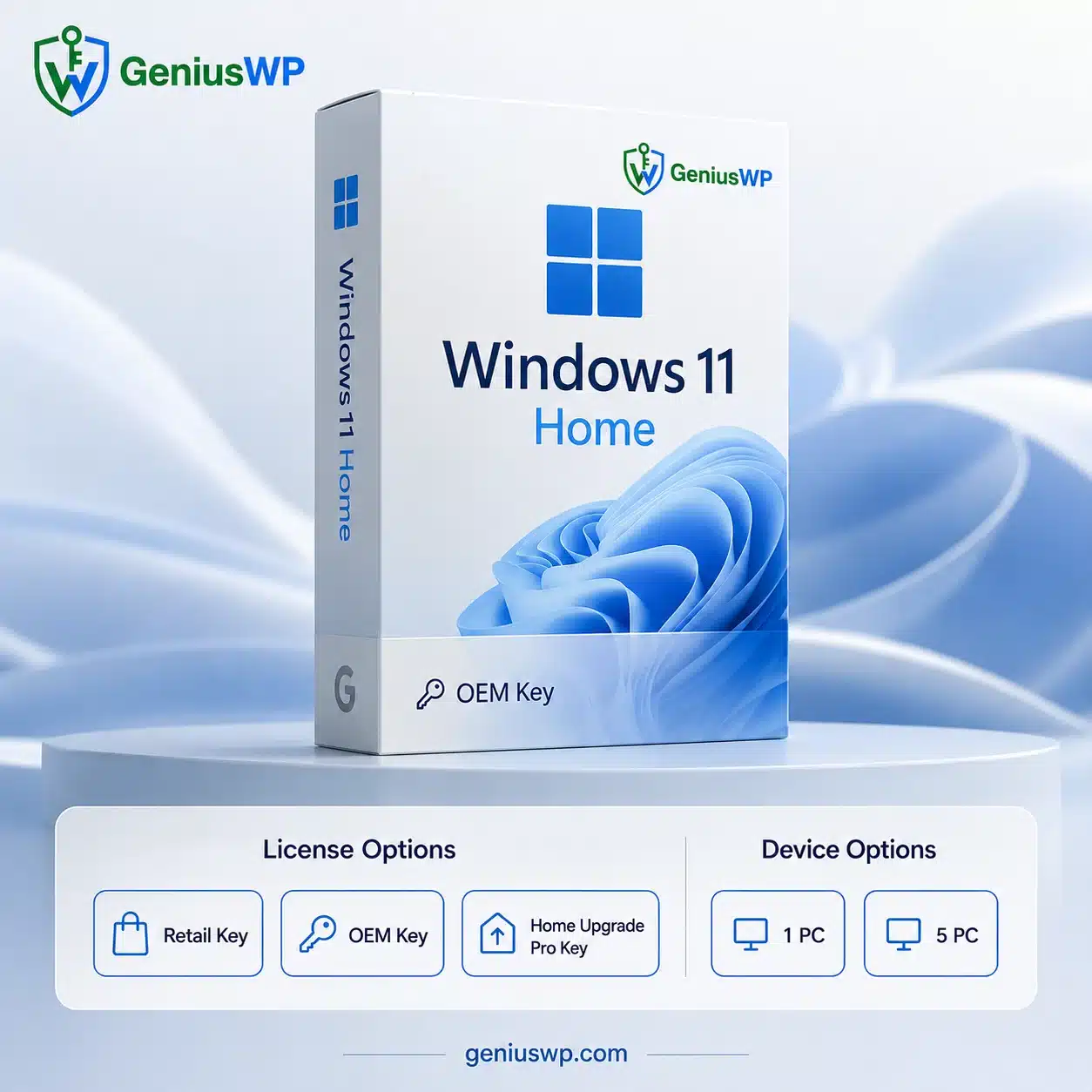
GeniusWP provides selectable Windows 11 Home license options, allowing customers to choose the appropriate variation according to their device and licensing requirements.
Easy Windows Activation
Windows 11 supports activation using an applicable product key or digital license.
A Windows product key is a 25-character code, typically formatted as:
XXXXX-XXXXX-XXXXX-XXXXX-XXXXX
For an installed copy of Windows 11, Microsoft provides product-key activation through:
Settings → System → Activation → Change product key.
Available License Options
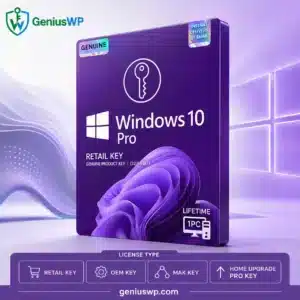
Retail Key
Choose the Retail Key option when the supplied product corresponds to the applicable retail licensing channel.
OEM Key
Choose the OEM option when an OEM license is appropriate for the intended PC and installation.
Only select the license type that matches your device and intended usage. If you’re unsure which option to purchase, contact GeniusWP support before ordering.
Device Options
Depending on the available product variation, the listing may offer:
1 PC or 5 PC
Only enable the 5-PC variation in WooCommerce when your actual supplier product specifically provides valid activation/licensing for five devices.
Windows 11 System Requirements
Before purchasing, confirm that your computer supports Windows 11.
Microsoft currently specifies minimum requirements including a compatible 64-bit 1 GHz or faster processor with at least 2 cores, 4 GB RAM, 64 GB storage, UEFI/Secure Boot capability, TPM 2.0, and DirectX 12-compatible graphics.
Customers can also use Microsoft’s PC Health Check functionality to help determine whether a device meets Windows 11 requirements.
Digital Delivery & Activation Support
This is a digital software product.
After your GeniusWP order is processed, you will receive the applicable product-access and activation instructions associated with the variation purchased.
Please verify your Windows edition, license type, and device count before completing your order. Microsoft notes that Windows activation depends on the license matching the correct Windows edition; for example, a Home license and Pro license are not interchangeable simply because both are Windows 11


Reviews
There are no reviews yet.