
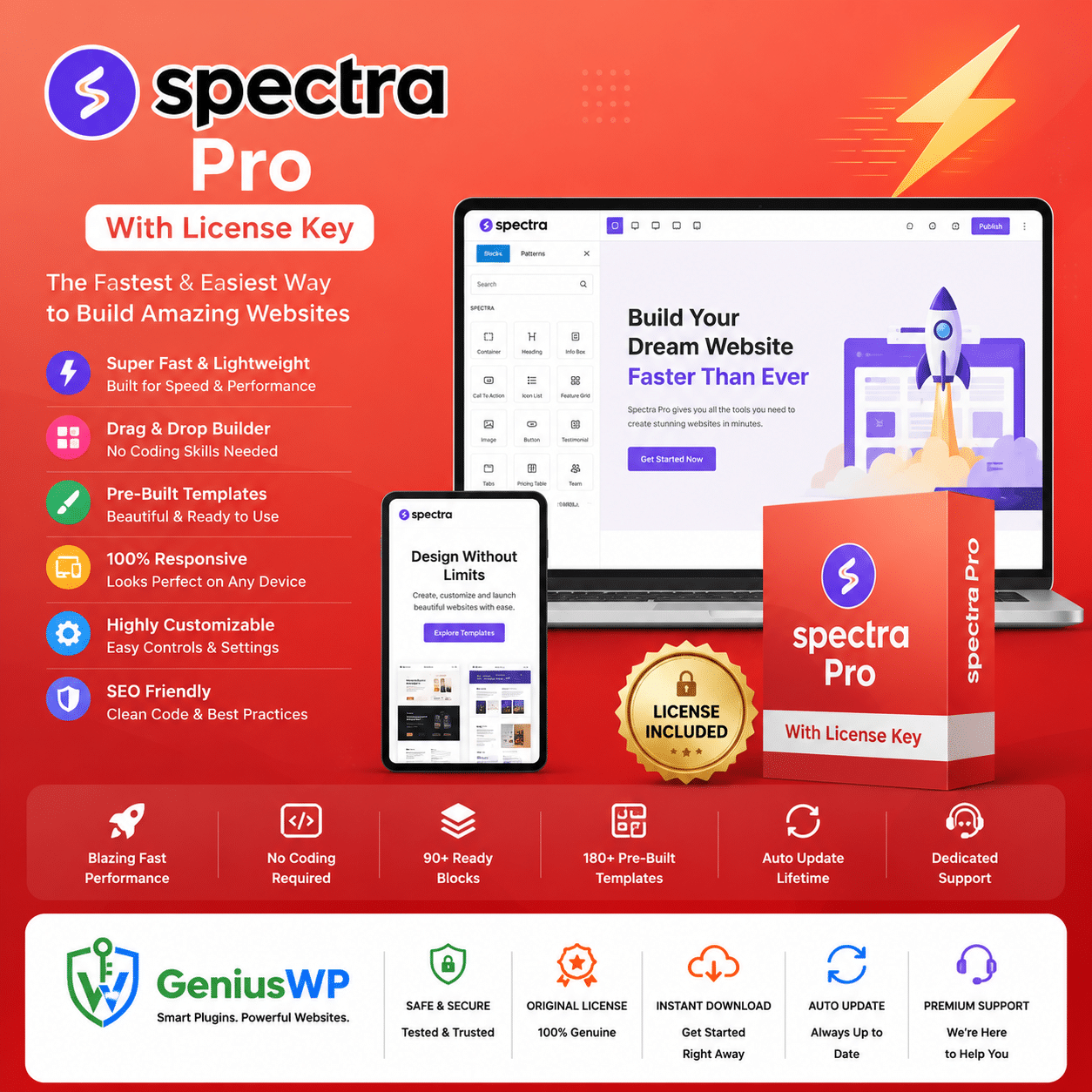

Spectra Pro With License Key: Build Faster in the WordPress Block Editor
Extend Gutenberg with Spectra Pro blocks, popups, dynamic content and design controls. Build responsive pages visually without code. Download the plugin and license after purchase.
1 Website
₹599
1 Website
1 year of updates
10 Websites
₹999
10 Websites
1 year of updates
Lifetime
₹1,999
1000 Websites
Lifetime updates
What Is Spectra Pro?
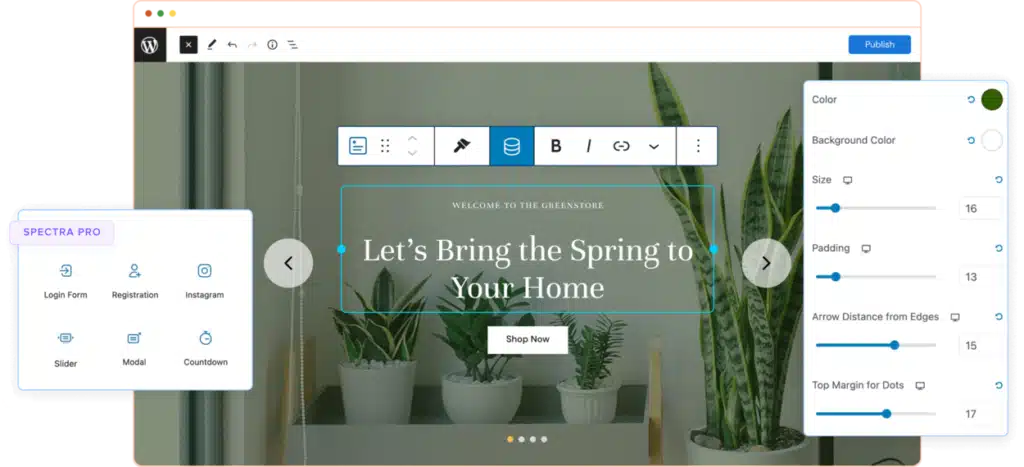
Spectra Pro is a premium addon for Spectra, a popular block plugin for the WordPress block editor. It lets you design pages, popups and layouts visually with the native Gutenberg editor, without code, and adds Pro features on top of the free plugin. The exact features depend on the plugin version you download.
Key Features
Popup Builder
Build popups in the editor with exit intent, delay and scroll triggers.
Loop Builder
Create dynamic loops of posts and products using categories, tags and custom queries.
Dynamic Content
Pull data from ACF, Pods and Meta Box into your blocks.
Pro Blocks
Container, slider, countdown, modal, registration and login blocks, plus advanced options.
Animations and Global Styles
Scroll-based entrance animations and global styles for consistent design.
Premium Templates
Start faster with ready-made premium template designs.
Who Should Use Spectra Pro?
- Bloggers and content creators who prefer to build with the native block editor.
- Freelancers and agencies who build client websites and want popups, loops and dynamic content.
- Small business owners who want good-looking pages without a heavy page builder.
Choose Your License
| License | Websites | Updates | Price |
|---|---|---|---|
| 1 Website | 1 | 1 year | ₹599 |
| 10 Websites | 10 | 1 year | ₹999 |
| 1000 Websites | 1000 | Lifetime | ₹1,999 |
How It Works
- Choose your license. Select 1 Website, 10 Websites or 1000 Websites, then complete your purchase.
- Download your files. After payment, get the Spectra Pro file and the license file from your order details or the Downloads section of My Account.
- Install free Spectra first. Go to Plugins → Add New, search for Spectra, then install and activate it.
- Upload Spectra Pro. Go to Plugins → Add New → Upload Plugin, choose the Spectra Pro file, install and activate it.
- Activate the license. Follow the license file from your downloads. You can also use the license activation guide.
Before You Install
- Take a full backup of your website first.
- Test on a staging site if your site is already live.
- Spectra Pro is an addon, so the free Spectra plugin must be active.
- Please read our refund policy and FAQ before you buy.
Important Information
This product is provided by GeniusWP as a downloadable plugin with a license file. Spectra is a trademark of its owner. GeniusWP is not affiliated with Spectra or Brainstorm Force, and support from the plugin author is not included. For help with your purchase, contact GeniusWP support.
Need Help? Contact GeniusWP Support
Questions before or after your purchase? Email [email protected] or message GeniusWP on WhatsApp. You can also browse more premium WordPress plugins, compare Elementor plugins and addons, or learn how to build a website with Elementor.
Spectra Pro FAQ
What is Spectra Pro?
Spectra Pro is a premium addon for the Spectra block plugin. It adds advanced blocks and features such as a popup builder, loop builder, dynamic content and extra design controls to the WordPress block editor.
Which license options are available?
1 Website with 1 year of updates costs 599 rupees, 10 Websites with 1 year of updates costs 999 rupees, and 1000 Websites with lifetime updates costs 1,999 rupees.
How do I get the plugin and license after purchase?
This is a downloadable product, so the Spectra Pro file and the license file are available from your order details and the Downloads section of your My Account page after payment.
How do I install Spectra Pro?
Back up your site, install and activate the free Spectra plugin, then go to Plugins, Add New, Upload Plugin, choose the Spectra Pro file and activate it. Follow the license file from your downloads, or use our license activation guide.
Do I need the free Spectra plugin?
Spectra Pro is an addon, so install and activate the free Spectra plugin first. We also recommend testing on a staging site before using it on a live website.
What do the updates options mean?
The first two options include 1 year of updates from purchase. The 1000 Website option includes lifetime updates.
Is this an official Spectra product?
No. This product is provided by GeniusWP. Spectra is a trademark of its owner and GeniusWP is not affiliated with it. Support from the plugin author is not included. For help, email [email protected] or message GeniusWP on WhatsApp at +91 9518978581.




Reviews
There are no reviews yet.