
🪔 Diwali 2026 Guide
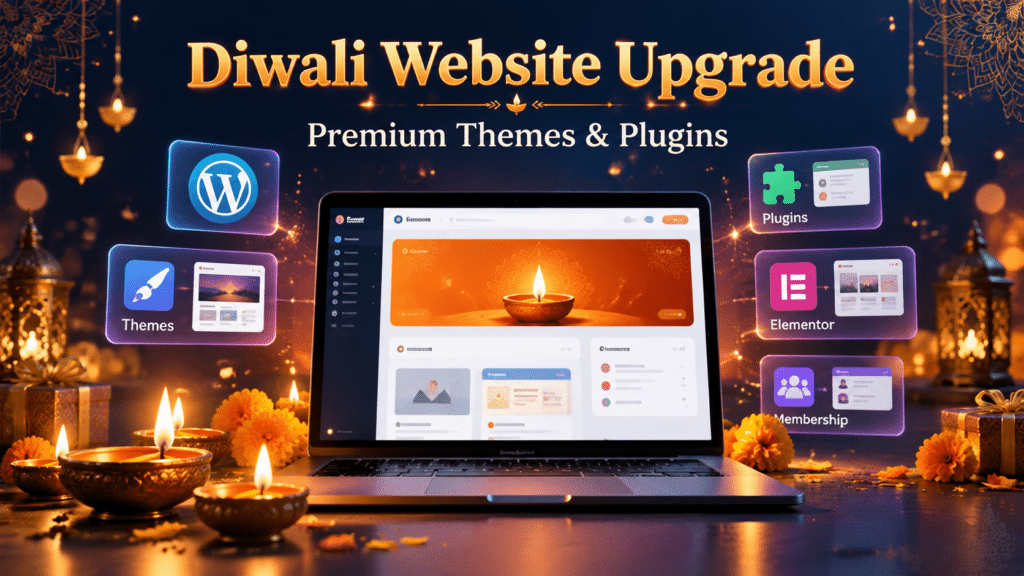
Diwali falls around 8 November 2026, and it is one of the busiest buying seasons of the year in India. People shop for gifts, services and new tools, and they search online more than usual. If your website is slow, outdated or hard to buy from, you lose those visitors. This guide gives you a simple 7-step Diwali website checklist, the right tools for each step, and a look at the GeniusWP Diwali membership offer.
See the Diwali Membership Offer →⚡ Quick Answer
Before Diwali, fix four things: speed, security, design and your offer page. Use a licensed page builder and addon for design, a good SEO plugin for search traffic, and a clear festive offer on your homepage. If you need many tools, a GeniusWP membership is usually cheaper than buying each licence one by one.
In this guide
Why Diwali Is the Best Time to Upgrade Your Website
Festive season brings visitors who are ready to act. They are comparing prices, looking for gifts and trying new services. A better website at this moment turns that interest into orders and enquiries.
🔎
More Searches
People search for offers, gifts and services more in the weeks around Diwali.
🛍️
Higher Buying Intent
Visitors are ready to decide, so a clear offer and fast checkout matter more.
📱
Mobile First
Most festive traffic comes from phones, so mobile speed and layout decide the sale.
🚀
Head Start for Black Friday
Fixes you make now carry into the next sale. See our Black Friday WooCommerce checklist.
The 7-Step Diwali Website Checklist
You do not need a full redesign. Work through these steps one by one. Most can be done in a weekend.
Make your site fast. A slow page loses festive visitors in seconds. Compress images, enable caching and remove unused plugins. If you want it done for you, see the WordPress speed optimization service.
Update and secure everything. Update WordPress, themes and plugins, and take a backup first. Most hacks come through outdated plugins, as explained in our WordPress security guide.
Add a clear Diwali offer. Put one simple banner on your homepage with the offer, the price and one button. Keep the offer honest and easy to understand.
Polish the design. Use a clean layout, readable fonts and strong buttons. A page builder with a good addon pack makes this quick. Compare options in our best Elementor addons guide, or learn the basics with how to build a website with Elementor.
Fix your SEO basics. Write clear titles and descriptions, add internal links between related pages and make sure your offer page can be found. A premium SEO plugin helps with schema, redirects and link suggestions.
Test checkout and forms. Place a test order on mobile. Check that payment, emails and contact forms all work. For stores, add trust signals near the buy button.
Plan your content and sharing. Publish one helpful post, share it on social media and send your offer to your email list. Good content keeps bringing organic traffic long after the festival.
Tools That Make Each Step Easier
Here are some practical picks from the GeniusWP store. Each product page lists the licence or activation type, so check it before you buy.
🎨 Design
Elementor Pro Activation
Theme builder, popups and forms for building festive landing pages and offer banners.
View price →🧩 Widgets
The Plus Addons for Elementor
A large widget library, popups and WooCommerce building tools in one addon.
View price →🧭 Header and menus
ElementsKit Premium
Header and footer builder plus mega menus, handy for a sticky festive offer bar.
View price →🔎 SEO
Premium SEO Plugins
Schema, redirects and internal link tools to help your pages rank before the festival.
Browse SEO plugins →🛒 Store
Premium WooCommerce Plugins
Coupons, product options and checkout tools for stores running a festive sale.
Browse WooCommerce plugins →🖼️ Themes
Premium WordPress Themes
Fast, modern themes with demo import. Not sure which to pick? Read Astra Pro vs Divi.
Browse themes →Want to understand how activation works first? Read our guide to WordPress plugin and theme licence keys, or browse all plugin and theme licence keys.
GeniusWP Diwali Membership Plans Compared
If you only need one tool, buying it on its own is fine. If you build or manage several websites, or you want many themes and plugins, a membership is often better value. For Diwali, the 1 Year Membership carries a special festive price. Prices below update automatically for your country.
| Plan | Price | Best for |
|---|---|---|
| 1 Year Membership 🪔 Diwali Offer |
$197.98
$98.99 | VIP products, group tools, Canva Pro and reselling. Best value for agencies and freelancers. |
| 6 Month Membership |
$76.98
$38.49 | Client websites and priority support. |
| 1 Month Membership |
$43.98
$21.99 | Trying it on your own website first. |
The Diwali price is a limited-time offer and can change, so check the membership page for the current price and what each plan includes. New to GeniusWP? Read what the GeniusWP membership gives you.
💡 How to choose
- Need one plugin for one site? Buy that product directly.
- Run a few client sites or test many tools? Pick the 6 Month plan.
- Work with WordPress every week? The 1 Year plan costs less per month.
For Creators: Canva Pro and Group Tools
Festive season also means festive posts, reels and ads. Good design tools save hours. Canva Pro helps with templates, brand kits and quick resizing. Read the Canva Pro price in India guide to compare plans and see what to check before buying third-party offers, or view the Canva Pro access product.
Need SEO or content tools without a big monthly bill? Learn how shared access works, with its limits and risks, in our group SEO tools guide, then explore the group buy tools category. Read the access terms on each product page before you buy.
🎁 Free gifts for visitors
GeniusWP also shares free digital resources. See what is available on the free gifts page and in our free gifts guide.
Buy Safe: Avoid Nulled Files This Festive Season
Festival sales bring many “too good to be true” deals. Cracked (nulled) plugins and themes from unknown sites often hide malware and cannot receive security updates.
- Buy only from sellers who explain the licence or activation type clearly.
- Check the refund and support policy before paying. Read ours on the refund policy page.
- Keep everything updated and take a backup before installing anything new.
Have questions about installation or activation? Check the FAQ, send an installation request, or join the GeniusWP community. Need a custom build instead? See our website development service. Looking for good hosting? Compare plans in the Hostinger discount guide.
Frequently Asked Questions
When is Diwali in 2026?
Diwali (Lakshmi Puja) falls on or around 8 November 2026, with Dhanteras a couple of days earlier. Exact timings can vary by region, so check your local calendar.
Is the GeniusWP Diwali offer available for a limited time?
Yes. The festive price on the 1 Year Membership is a limited-time offer. Check the membership page for the current price before you buy.
Do I need a membership, or can I buy one plugin?
You can do either. Single products suit one-off needs. A membership suits people who use many themes and plugins or manage several websites.
What should I fix first on my website before Diwali?
Start with speed and mobile layout, then security updates, then your offer banner and checkout. These give the biggest results for the least effort.
Are prices shown in my local currency?
Yes. GeniusWP shows prices in the currency for your location. The membership prices in this post update automatically.
Can I get help installing a product?
Yes. Use the installation and activation request page or contact support through the contact page.
🪔 ✨ 🪔
Light Up Your Website This Diwali
Get premium WordPress themes, plugins and creator tools with one membership, or browse single products. Prices are shown in your local currency.
Disclaimer: GeniusWP is not affiliated with, endorsed by or sponsored by the developers of the products mentioned. All product names and trademarks belong to their respective owners. Offers, features, site limits and update periods depend on the plan or option selected on each product page and may change. For help with your purchase, contact [email protected].