


Premium WooCommerce Plugin
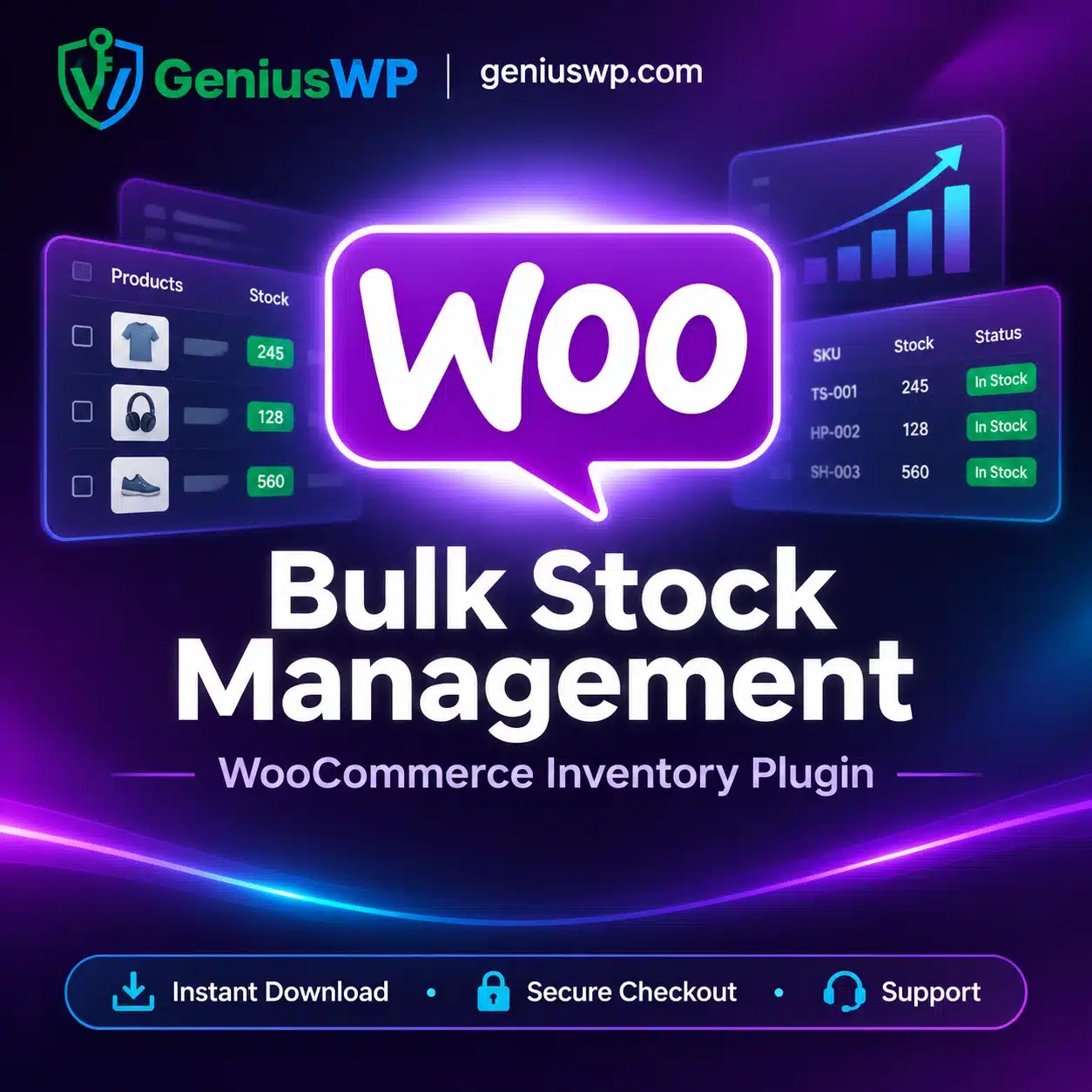
Bulk Stock Management: Update Your Whole Inventory From One Screen
Stop opening products one by one. Bulk Stock Management gives you a spreadsheet-style inventory dashboard inside WooCommerce, so you can view, filter and update stock for products and variations in minutes.
🔒 Secure checkout · 📥 Digital download · 💬 WhatsApp & email support
What Is Bulk Stock Management?
Bulk Stock Management is a WooCommerce extension that adds an Excel-like inventory screen to your dashboard. It lists your products and variations with their stock details, so you can control inventory without editing every product separately.
Key Features
Centralized Dashboard
See all products and variations with their stock data in one list.
Bulk Editing
Update stock, stock status and prices for many items at the same time.
Inline Editing
Click a value in the table and change it directly, no page reloads.
Advanced Filtering
Filter by category or stock status to find exactly what needs attention.
Who Is It For?
🎯 WooCommerce store owners with large product catalogs.
🎯 Inventory and operations teams who update stock every day.
🎯 Agencies and freelancers managing client stores.
Why Buy From GeniusWP?
📥
Digital Delivery
Download link available right after your order is confirmed.
🔒
Secure Payment
Pay safely through trusted payment gateways.
💬
Real Human Support
Get help from the GeniusWP team on WhatsApp or email.
How to Install
1
Back up your site or test on staging first.
2
Download the plugin zip from the link in your order.
3
Upload and activate at Plugins → Add New → Upload Plugin.
4
Open Products → Stock management and start editing stock in bulk.
Before You Buy
- This plugin needs WooCommerce installed on a self-hosted WordPress site.
- GeniusWP is not affiliated with WooCommerce or Automattic. WooCommerce is a trademark of its owner.
- Support from the original author and access to their customer account are not included. For help with your purchase, contact GeniusWP support.
Need Help? Contact GeniusWP Support
Email [email protected] or message GeniusWP on WhatsApp. Need it installed for you? Use our installation support or browse more premium WooCommerce plugins.
Bulk Stock Management FAQ
What does Bulk Stock Management do?
It adds a stock management screen to WooCommerce where you can view and edit stock for many products and variations at once.
Does it work with variable products?
Yes, it lists products and their variations together so you can update them from the same screen.
How do I get the file after purchase?
Open your order page or account downloads after the order is confirmed and use the download link.




Reviews
There are no reviews yet.