
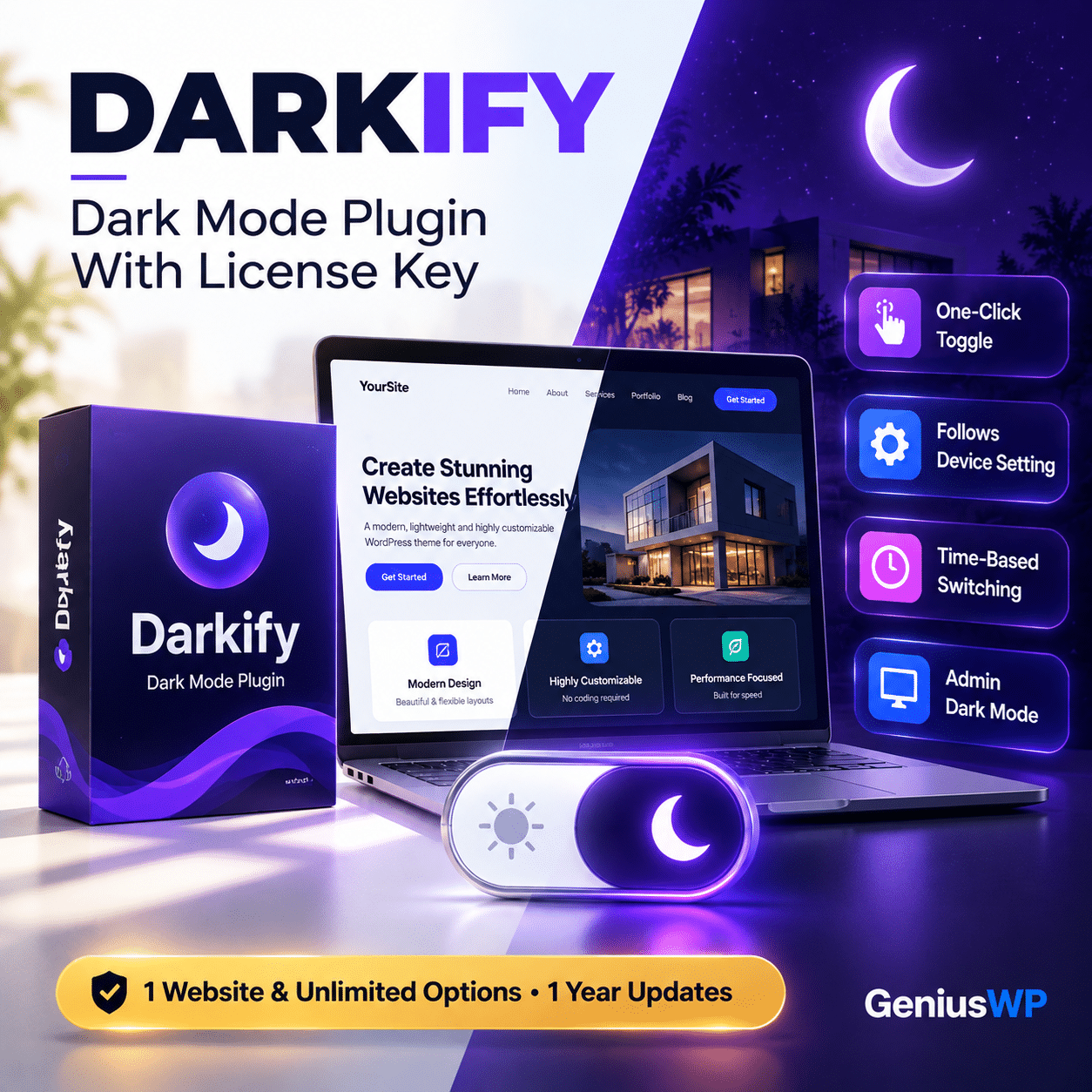

WordPress Dark Mode Plugin
Darkify: Give Your Website a Stunning Dark Mode in One Click
Visitors love dark mode. Darkify adds a smooth, customizable dark mode to your WordPress site with a stylish toggle, system-aware switching and time-based scheduling, all without touching code.
🔒 Secure checkout · 📥 Digital delivery · 💬 WhatsApp & email support
Available Licenses
1 Website
Use on 1 website · 1 year validity
₹499
Unlimited Websites
Use on unlimited websites · 1 year validity
₹999
Prices are shown in your local currency on the product page.
⚡ Quick Answer
Darkify is a WordPress dark mode plugin. It adds a dark version of your website that visitors can turn on with a toggle, follows their device’s light or dark setting, can switch automatically by time of day, supports a keyboard shortcut and also offers a dark mode for the WordPress admin dashboard.
Darkify at a Glance
Type
Dark mode plugin for WordPress
Best for
Blogs, news, business sites and stores
Works with
Popular themes and page builders
Coding needed
None, set up from the dashboard
What Is Darkify?
Darkify turns any WordPress website into a dark-mode-ready site. Dark mode is easier on the eyes at night, looks modern and keeps visitors reading longer. Darkify handles the colour switching for you, so your pages, images and widgets look good in both light and dark.
Key Features of Darkify
01
One-Click Dark Mode
Visitors switch to dark mode instantly from a floating toggle.
02
Custom Toggle Styles
Choose the switch design and position that matches your brand.
03
OS-Aware Mode
Automatically follows the visitor’s device light or dark setting.
04
Default Dark Mode
Load your site in dark mode by default, with manual switching still available.
05
Time-Based Switching
Turn dark mode on automatically during the hours you choose.
06
Keyboard Shortcut
Visitors can toggle dark mode with a quick keyboard shortcut.
07
Admin Dashboard Dark Mode
Work late in a darker, easier-on-the-eyes WordPress admin.
08
Theme & Builder Friendly
Built to work with popular WordPress themes and page builders.
Choose the Option That Fits You
Select your preferred option from the dropdown at the top of this page. The price is shown in your local currency when you select an option.
Who Is Darkify For?
Bloggers and news sites whose readers browse late at night.
Tech, gaming and SaaS brands that want a modern look.
Online stores that want a better browsing experience.
Agencies adding dark mode to client websites quickly.
Why Buy From GeniusWP?
📥
Digital Delivery
Your download is available from your account after your order is confirmed.
🔄
Update Access
Genius WP auto-update access for this product, where applicable.
🔒
Secure Payment
Pay safely through trusted payment gateways at checkout.
💬
Real Human Support
Get help from the GeniusWP team on WhatsApp or email.
How to Install Darkify
Back up your site or test on staging first.
Upload Darkify via Plugins → Add New → Upload Plugin and activate it.
Open the Darkify settings and turn on frontend dark mode.
Choose your toggle style, position and switching rules (OS-aware, default or time-based).
Preview your site in dark mode and fine-tune colours or images if needed.
Before You Buy
- Dark mode results can vary with custom theme code. Preview your pages after turning it on.
- Check the option and license details shown on this product page before you place your order.
- GeniusWP is not affiliated with the Darkify developer. Darkify is a trademark of its owner.
- Support from the original author and access to their customer account are not included. For help with your purchase, contact GeniusWP support.
Ready to Add Dark Mode With Darkify?
Pick your license at the top of this page, complete checkout and download from your account.
Need Help? Contact GeniusWP Support
Questions before or after your purchase? Email [email protected] or message GeniusWP on WhatsApp. Need it installed for you? Use our installation & license activation support. You can also browse more premium WordPress plugins, explore the GeniusWP membership, or speed up your site with our WordPress speed optimization service.
Darkify FAQ
What is Darkify?
Darkify is a WordPress dark mode plugin that adds a customizable dark version of your website with a toggle, OS-aware switching, time-based switching and an admin dashboard dark mode.
Can dark mode follow the visitor’s device setting?
Yes. Darkify can follow the visitor’s system light or dark preference automatically.
Do I need coding skills?
No. You set up Darkify from its settings in the WordPress dashboard.
Which options are available?
The product is listed with 1 Website and Unlimited Website options, each with 1 year validity. Review the option details before you choose.
How can I contact GeniusWP support?
You can email [email protected] or message GeniusWP on WhatsApp at +91 9518978581.







Reviews
There are no reviews yet.