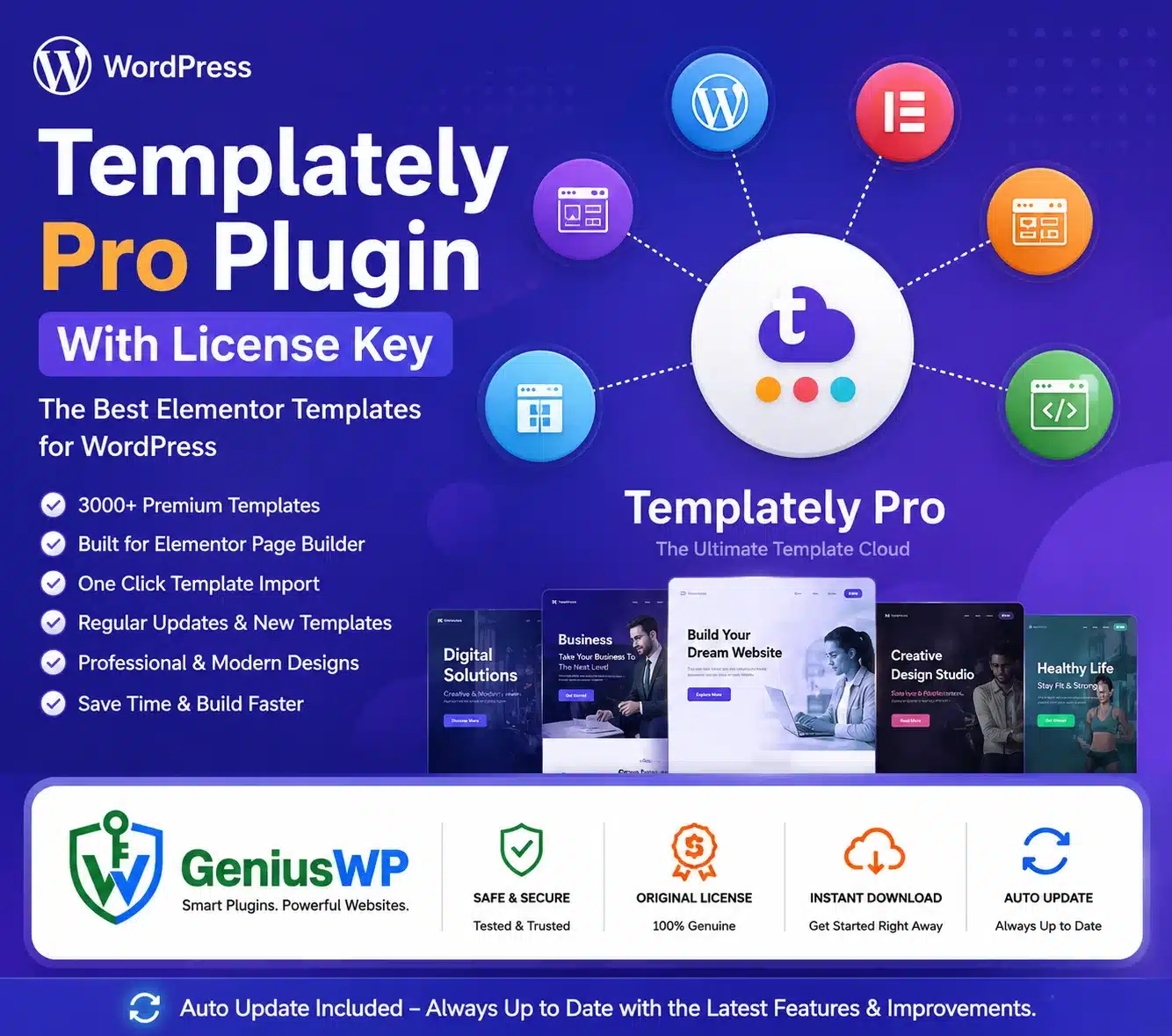

Templately Pro – WordPress Templates Cloud and Website-Building Platform
Templately Pro is a cloud-connected WordPress template library and website-building platform designed for freelancers, agencies, developers, marketers and business owners.
It provides ready-made pages, blocks and full website packs for Elementor and Gutenberg. Users can import designs into WordPress, customize them visually and reuse their own layouts through MyCloud and shared WorkSpaces.
The current official Templately website advertises more than 6,500 ready templates and hundreds of complete website packs for different industries and WordPress projects. It also includes full-site import, global design controls, cloud collaboration and AI-assisted website creation in supported plans.
Key Features
✓ Thousands of ready-made WordPress templates
✓ Elementor website templates
✓ Gutenberg block and page templates
✓ Complete website template packs
✓ One-click full-site import
✓ Ready-made pages and reusable blocks
✓ Global colour controls
✓ Global typography controls
✓ AI-assisted website generation
✓ AI-generated website content and images
✓ MyCloud template storage
✓ Shared team WorkSpaces
✓ Save custom pages and sections online
✓ Reuse designs across supported websites
✓ Import complete pages without coding
✓ Industry-specific website templates
✓ WooCommerce template designs
✓ Header and footer templates
✓ Archive and single-post templates
✓ Theme Builder layouts
✓ Responsive desktop, tablet and mobile designs
✓ Template dependency information
✓ Support for local development websites
✓ Genius WP auto-update access for the plugin, where applicable
Templately currently highlights AI website creation, one-click site importing, global colour and typography settings and cloud-based design sharing as central features.
Elementor and Gutenberg Template Support
Templately supports two major WordPress design workflows:
- Elementor visual page builder
- Gutenberg WordPress block editor
Elementor templates require Elementor to be installed and activated. Some individual templates also depend on plugins such as Essential Addons for Elementor, Fluent Forms or other free or premium tools.
Before importing any design, check its dependency list. Missing dependency plugins may cause selected sections, forms or widgets to disappear from the imported page.
Ready-Made Website Packs
A website pack contains a coordinated set of templates for creating a complete website with consistent branding and page structure.
A typical pack may include:
- Homepage
- About page
- Services page
- Contact page
- Team page
- Pricing page
- Blog archive
- Single-post design
- FAQ page
- Portfolio page
- Product or store pages
- Header and footer layouts
Website packs can reduce the time required to design every page individually.
One-Click Full-Site Import
Templately’s Full Site Import feature can insert a complete template pack rather than requiring each page to be imported separately.
Supported imports can create the coordinated pages and sections needed for the selected website design. The exact number of allowed full-site imports can depend on the customer’s current Templately plan.
After importing a website, always check:
- Navigation menus
- Forms
- Buttons and links
- Images and icons
- Responsive layouts
- Plugin dependencies
- Header and footer assignments
- WooCommerce settings
- Contact information
Global Colours and Typography
Global style controls allow users to define website-wide colours and typography from a central settings area.
You can configure supported values such as:
- Primary brand colour
- Secondary colour
- Accent colour
- Heading typography
- Body font
- Button styling
- Link colours
- Background colours
Updating global settings can change supported styles throughout the imported website, helping maintain visual consistency across multiple pages.
Templately AI Website Builder
Current Templately plans include AI-assisted website-building functions. The platform can use a business description to recommend a design, generate website copy and personalize supported template content.
Possible AI-assisted tasks include:
- Choosing a suitable website design
- Producing draft page copy
- Replacing placeholder content
- Generating supported website images
- Personalizing template sections
- Creating a complete initial website draft
AI-generated material should be reviewed for accuracy, originality, legal compliance and brand consistency before publication.
AI functionality uses plan-based credits. Downloading the WordPress plugin alone does not necessarily provide AI credits or premium cloud access.
MyCloud Template Storage
MyCloud allows users to save custom WordPress designs online and access them from supported websites.
You may save:
- Complete pages
- Individual sections
- Custom Elementor layouts
- Gutenberg designs
- Reusable client components
- Branded calls to action
- Headers and footers
- Frequently used content blocks
MyCloud can be useful when moving layouts between websites or maintaining a reusable agency design library.
Premium plans have historically offered expanded or unlimited MyCloud storage, while Starter access is restricted.
Team WorkSpaces
Templately WorkSpace is a shared cloud area where team members can access and reuse selected templates.
A user can save a design to MyCloud and then copy or move it into a WorkSpace. Invited team members can access the shared design and use it on their WordPress projects.
This can support:
- Agency collaboration
- Remote design teams
- Reusable brand libraries
- Client-project templates
- Standard headers and footers
- Consistent landing-page sections
- Internal website-building systems
Official documentation states that premium access can provide additional WorkSpaces and shared cloud collaboration.
Templately Theme Builder
The current documentation includes Theme Builder workflows for creating and assigning:
- Headers
- Footers
- Single-post templates
- Single-page templates
- Archive templates
- 404-page layouts
Theme Builder functionality and imported designs may depend on the active WordPress theme, page builder and required plugins.
WooCommerce Website Templates
Templately offers designs for building supported WooCommerce pages, including shop and product-related layouts.
Depending on the selected template, you may create:
- WooCommerce shop pages
- Product displays
- Single-product layouts
- Product-category sections
- Shopping-cart pages
- Checkout pages
- Promotional product sections
- eCommerce homepages
Some WooCommerce templates use elements from Essential Addons for Elementor or other dependency plugins. WooCommerce and all required dependencies must be installed separately.
Template Dependencies
A Templately design may depend on one or more third-party plugins.
Examples can include:
- Elementor
- Elementor Pro
- Essential Addons for Elementor
- Essential Addons Pro
- WooCommerce
- Fluent Forms
- Contact-form plugins
- Other supported WordPress addons
When a dependency is missing, the main template may still import, but sections using the missing plugin may not appear correctly.
The required third-party plugins and their premium licences are not automatically included with Templately Pro.
Responsive Website Design
Templately provides Elementor and Gutenberg designs intended for use across desktop, tablet and mobile devices.
After importing a design, review:
- Heading sizes
- Column stacking
- Image cropping
- Menu behaviour
- Button dimensions
- Form fields
- Padding and margins
- Product grids
- Popup layouts
- Footer sections
Responsive results can vary after replacing demo content or adding third-party widgets.
What Happens After Removing Templately?
Previously imported WordPress pages and posts remain on the website after the Templately plugin is removed.
However, users can no longer insert new templates, access MyCloud items or collaborate through WorkSpaces while the plugin or account access is unavailable.
The imported design may still depend on Elementor, Gutenberg blocks or third-party plugins used to create its individual sections.
What Happens When a Subscription Ends?
Official documentation states that an expired paid subscription is downgraded to the Starter package.
After expiry:
- New Pro templates cannot be inserted
- Additional WorkSpaces cannot be created
- MyCloud access becomes restricted
- Premium account features become unavailable
Previously imported pages are not automatically deleted, but continuing access to premium cloud items requires an eligible plan.
Suitable For
- WordPress freelancers
- Website-design agencies
- Elementor users
- Gutenberg website creators
- WooCommerce store designers
- Marketing teams
- Small-business websites
- Landing-page campaigns
- Portfolio websites
- Blogs and online publications
- Client website prototypes
- Agencies managing repeated website builds
Why Choose Templately from Genius WP?
Genius WP provides convenient access to the supplied Templately WordPress plugin package and available plugin updates according to the selected Genius WP plan.
Customers receive the downloadable plugin files and Genius WP auto-update access where specified.
Premium templates, AI credits, MyCloud, WorkSpaces, full-site imports and original support are external account-connected services. These should only be described as included when the customer receives an eligible and authorized Templately account entitlement.


Reviews
There are no reviews yet.