

WordPress Export Plugin
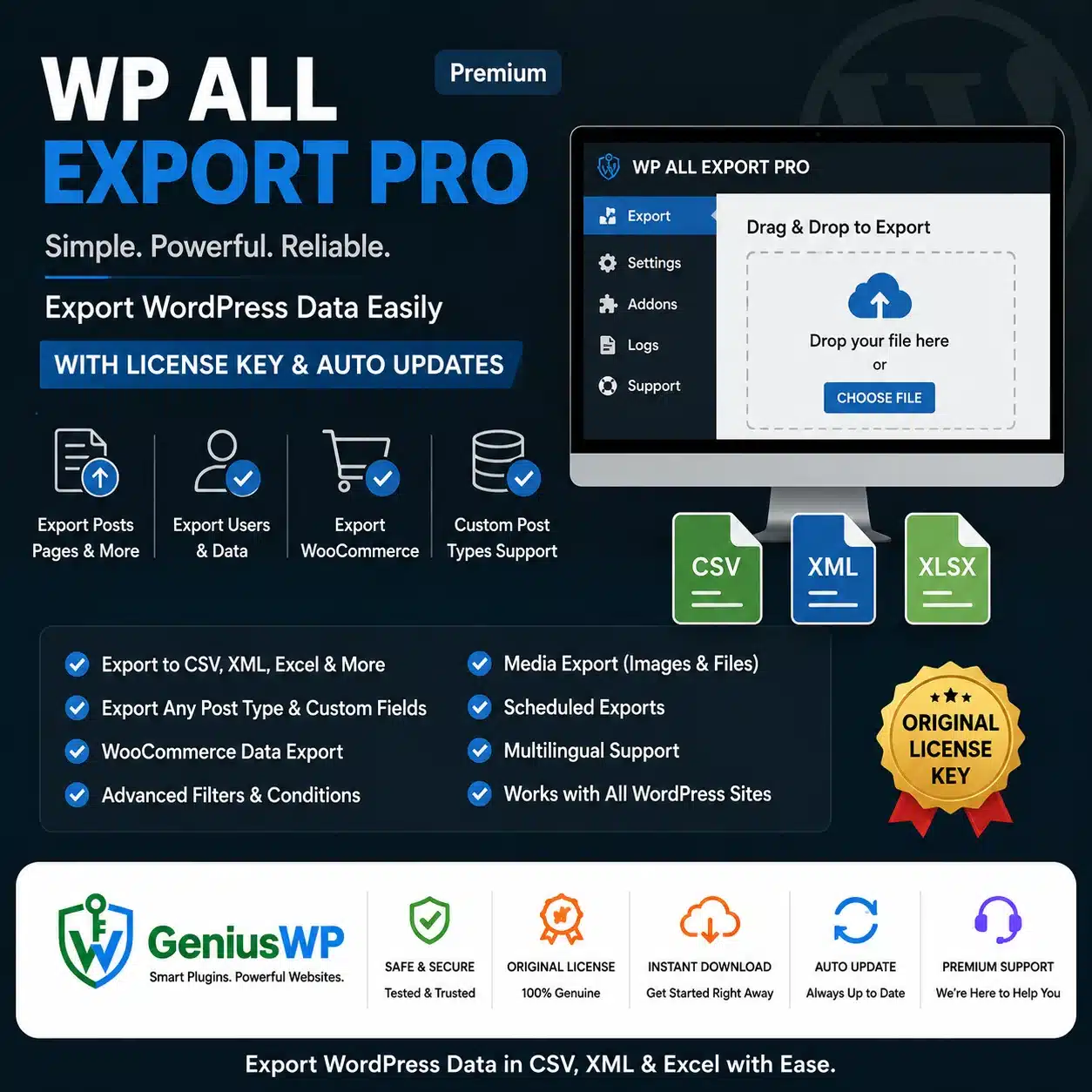
WP All Export Pro: Export WordPress & WooCommerce Data to CSV, Excel or XML
Choose exactly which fields to export with a drag-and-drop builder. Create product feeds, reports, backups and migrations, filter records and schedule exports automatically.
🔒 Secure checkout · 📥 Digital download · 💬 WhatsApp & email support
⚡ Quick Answer
WP All Export Pro is a WordPress plugin for exporting site data to CSV, Excel or XML. You drag and drop the fields you need, filter records and export posts, custom post types, users, custom fields and WooCommerce products, orders and customers, either once or on a schedule.
WP All Export Pro at a Glance
Type
Data export plugin
Export formats
CSV, Excel (XLS/XLSX) and custom XML
Works with
WooCommerce, ACF, WPML and WP All Import
Developer
Soflyy
What Is WP All Export Pro?
WP All Export Pro turns WordPress and WooCommerce data into clean files for reporting, accounting, product feeds and migrations. You control columns, headings and formatting, apply filters, use PHP to modify values and send exports to other apps through scheduling and Zapier.
Key Features of WP All Export Pro
01
Drag-and-Drop Fields
Pick, rename and reorder export columns visually.
02
CSV, Excel & XML
Create spreadsheets or custom XML product feeds.
03
WooCommerce Data
Export products, variations, orders, customers and coupons.
04
Advanced Filters
Export only the records you need.
05
Scheduled Exports
Run exports automatically with cron jobs.
06
Zapier Integration
Send exported data to external apps.
07
PHP Functions
Modify exported values with custom code.
08
Migration Bundles
Export ready-made bundles for WP All Import.
Choose the Option That Fits You
Select your preferred option from the dropdown at the top of this page. The price is shown in your local currency when you select an option.
Who Is WP All Export Pro For?
Store owners creating product feeds and order reports.
Accountants and managers who need spreadsheet exports.
Developers migrating content between sites.
Agencies integrating WordPress with other systems.
Why Buy From GeniusWP?
📥
Digital Delivery
Your download is available from your account after your order is confirmed.
🔄
Update Access
Genius WP auto-update access for this product, where applicable.
🔒
Secure Payment
Pay safely through trusted payment gateways at checkout.
💬
Real Human Support
Get help from the GeniusWP team on WhatsApp or email.
How to Install WP All Export Pro
Back up your site or test on staging first.
Upload WP All Export Pro via Plugins → Add New → Upload Plugin and activate it.
Install any addons you need (for example users or ACF).
Create a new export, choose the data type and drag in your fields.
Download the file or schedule the export to run automatically.
Before You Buy
- WP All Export Pro needs WordPress. Some data types (such as users or ACF fields) need the matching addons.
- Check the option and license details shown on this product page before you place your order.
- GeniusWP is not affiliated with Soflyy. WP All Export is a trademark of its owner.
- Support from the original author and access to their customer account are not included. For help with your purchase, contact GeniusWP support.
Ready to Get Started With WP All Export Pro?
Pick your license at the top of this page, complete checkout and download from your account.
Need Help? Contact GeniusWP Support
Questions before or after your purchase? Email [email protected] or message GeniusWP on WhatsApp. Need it installed for you? Use our installation & license activation support. You can also browse more premium WordPress plugins, explore the GeniusWP membership, or speed up your site with our WordPress speed optimization service.
WP All Export Pro FAQ
What can WP All Export Pro export?
It can export posts, pages, custom post types, taxonomies, custom fields, images, users and WooCommerce products, orders, customers and coupons.
Which file formats are supported?
WP All Export Pro exports to CSV, Excel (XLS and XLSX) and simple or custom XML.
Can I schedule exports?
Yes. Exports can run automatically on a schedule using cron jobs.
Which options are available?
The product is listed with 1 Website and Unlimited Website options, each with 1 year of updates. Review the option details before you choose.
How can I contact GeniusWP support?
You can email [email protected] or message GeniusWP on WhatsApp at +91 9518978581.






Reviews
There are no reviews yet.