

Link Management Plugin
WP SafeLink: Protect, Brand and Track Your Outbound and Download Links
Turn plain destination URLs into branded, encrypted safelink pages with a countdown, human verification and click statistics. Ideal for download sites, resource libraries and content portals.
🔒 Secure checkout · 📥 Digital download · 💬 WhatsApp & email support
⚡ Quick Answer
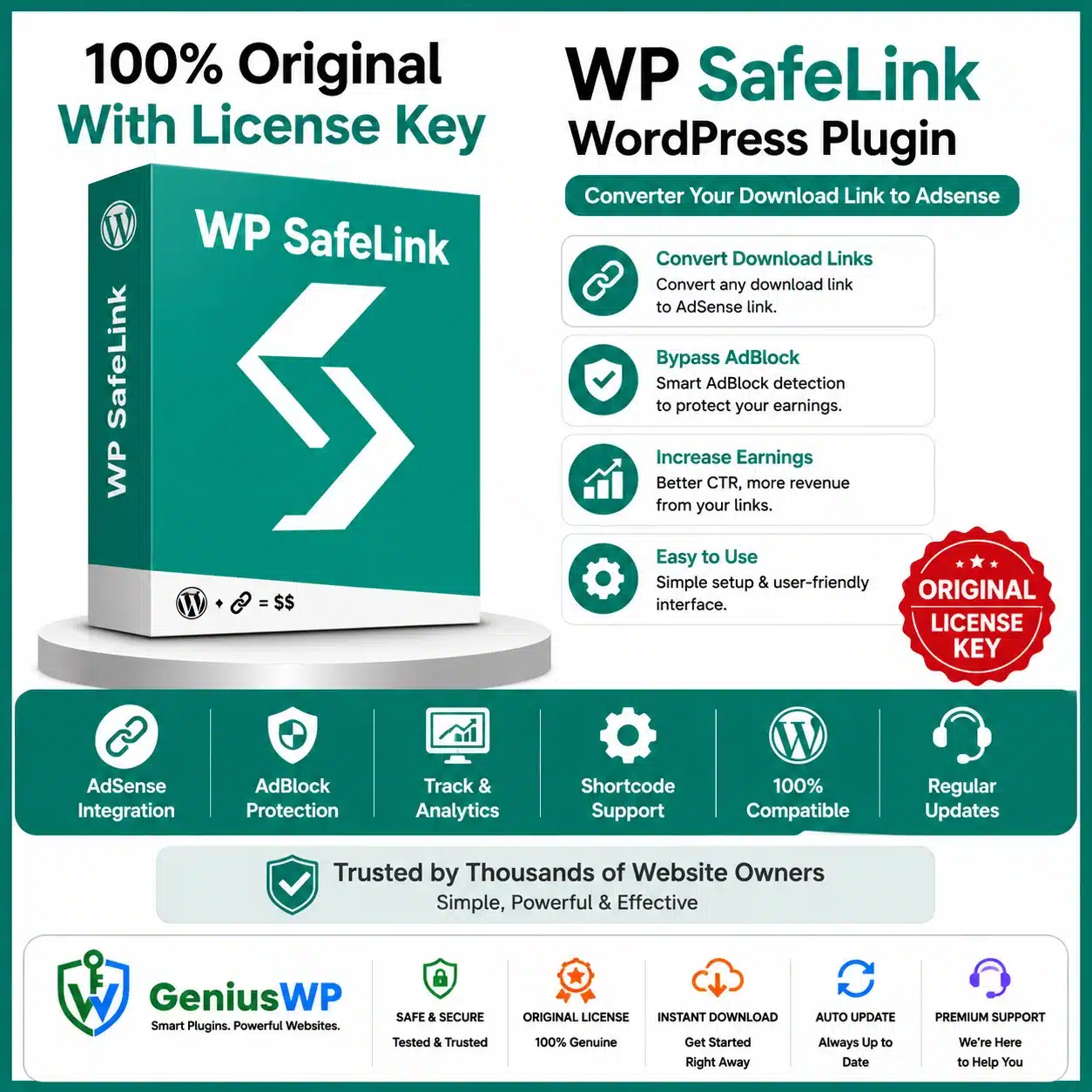
WP SafeLink is a WordPress plugin that converts normal outbound or download links into protected intermediary pages. Visitors see a branded page with a countdown and optional human verification before reaching the destination, while you get encrypted URLs, templates and click statistics.
WP SafeLink at a Glance
Type
Safelink and outbound-link management plugin
Best for
Download sites, resource libraries and content portals
Works with
WordPress and your active theme
Developer
Themeson
What Is WP SafeLink?
WP SafeLink routes visitors through a controlled page before they reach an external file or website. You can encrypt destination URLs, show a countdown, add CAPTCHA verification, customise page templates and track link views and clicks. Advertisement areas are available, but any ads must follow the rules of your ad network.
Key Features of WP SafeLink
01
Encrypted URLs
Conceal the real destination behind a generated safelink.
02
Countdown Pages
Text or animated countdown before the destination button.
03
Human Verification
CAPTCHA options to filter bots and automated clicks.
04
Multiple Templates
Built-in page templates or pages inside your active theme.
05
Branding Controls
Customise logo, colours, buttons and page appearance.
06
Link Statistics
Track link views and clicks from the dashboard.
07
Anti-Adblock Controls
Optional settings for visitors using ad blockers.
08
Mobile Responsive
Safelink pages work smoothly on phones and tablets.
Choose the Option That Fits You
Select your preferred option from the dropdown at the top of this page. The price is shown in your local currency when you select an option.
Who Is WP SafeLink For?
Download and resource websites that want to manage outbound file links.
Bloggers and publishers sharing many external links.
Documentation portals that need branded exit pages.
Site owners who want click statistics for outbound links.
Why Buy From GeniusWP?
📥
Digital Delivery
Your download is available from your account after your order is confirmed.
🔄
Update Access
Genius WP auto-update access for this product, where applicable.
🔒
Secure Payment
Pay safely through trusted payment gateways at checkout.
💬
Real Human Support
Get help from the GeniusWP team on WhatsApp or email.
How to Install WP SafeLink
Back up your site or test on staging first.
Upload the plugin. Go to Plugins → Add New → Upload Plugin, upload the WP SafeLink zip and activate it.
Choose a template and set your countdown and verification options.
Add your branding, logo and colours.
Generate safelinks from the dashboard and use them in your posts.
Before You Buy
- WP SafeLink needs a self-hosted WordPress site. If you show ads on safelink pages, follow your advertising network's policies.
- Check the option and license details shown on this product page before you place your order.
- GeniusWP is not affiliated with Themeson. WP SafeLink is a trademark of its owner.
- Support from the original author and access to their customer account are not included. For help with your purchase, contact GeniusWP support.
Ready to Get Started With WP SafeLink?
Pick your license at the top of this page, complete checkout and download from your account.
Need Help? Contact GeniusWP Support
Questions before or after your purchase? Email [email protected] or message GeniusWP on WhatsApp. Need it installed for you? Use our installation & license activation support. You can also browse more premium WordPress plugins, explore the GeniusWP membership, or speed up your site with our WordPress speed optimization service.
WP SafeLink FAQ
What does WP SafeLink do?
WP SafeLink turns normal links into protected intermediary pages with encrypted URLs, a countdown, optional human verification and click statistics.
Can I customise the safelink page design?
Yes. You can choose built-in templates and customise the logo, colours and buttons.
Does WP SafeLink track clicks?
Yes. It records link views and clicks so you can see how your links perform.
Which options are available?
The product is listed with 1 Domain and Unlimited Domain options. Review the option details on this page before you choose.
How can I contact GeniusWP support?
You can email [email protected] or message GeniusWP on WhatsApp at +91 9518978581.




Reviews
There are no reviews yet.