

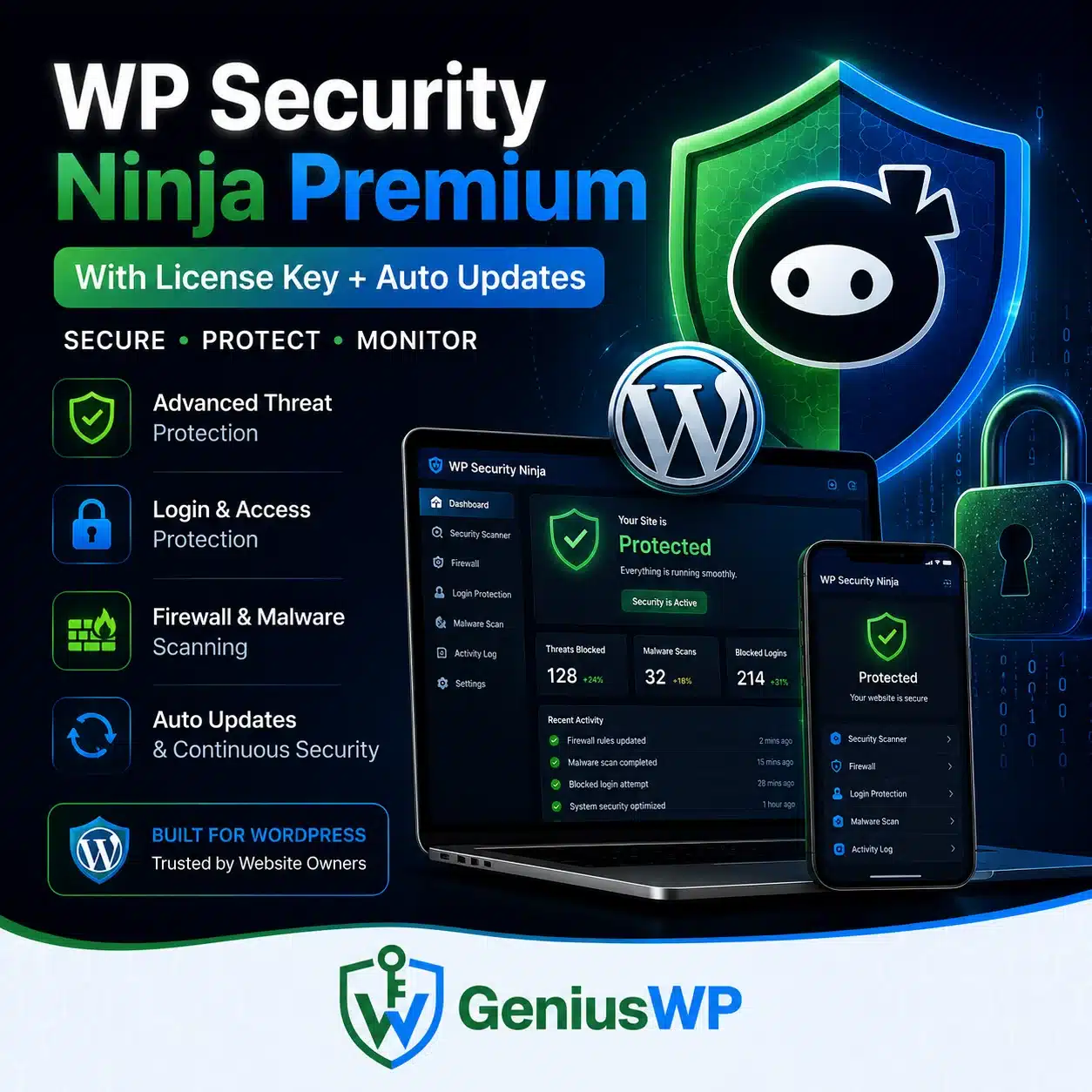

WP Security Ninja Premium: Test, Fix and Harden WordPress
WP Security Ninja Premium runs dozens of security tests on your WordPress site and tells you exactly what to fix. Add a firewall, monitor events and check core files for changes, all from one simple dashboard.
Prices are shown in your local currency at checkout.
What Is WP Security Ninja Premium?
Many WordPress hacks happen because of simple weaknesses: weak settings, outdated software or exposed files. Security Ninja checks your site for these problems and explains each result in plain language, often with a one-click fix.
The Premium version adds a firewall, a core file scanner that detects modified files, an event logger, malware scanning and scheduled scans with email reports, so you can keep an eye on security without daily manual checks.
Key Features of WP Security Ninja Premium
✅ Security tests
Dozens of checks with clear explanations and fixes.
🛡 Firewall
Block bad bots and known malicious requests.
🔍 Core file scanner
Detect changed or unknown WordPress core files.
📜 Event logger
Track logins, changes and important events.
🦠 Malware scan
Look for suspicious code in themes and plugins.
📧 Scheduled reports
Get scan results by email automatically.
Who Should Use WP Security Ninja?
- Site owners who want a simple security checklist.
- Agencies auditing client websites.
- WooCommerce stores protecting customer data.
- Developers hardening new WordPress installs.
License Options
Starter
1 Website
1 year license
Agency
Unlimited Website
1 year license
Prices are shown in your local currency.
How to Install WP Security Ninja Premium
Complete your order. The plugin ZIP and any license file appear in My Account → Downloads right away.
In WordPress, go to Plugins → Add New → Upload Plugin, choose the ZIP file and click Install Now.
Activate the plugin. If a license file is included, enter the key from it on the plugin’s license screen.
Run the security tests, apply the recommended fixes and turn on the firewall and scheduled scans.
Why Buy WP Security Ninja Premium from GeniusWP?
Instant access
Files are ready in your account the moment payment is confirmed.
Setup support
Stuck on installation or activation? Our team helps on WhatsApp and email.
Safe payments
Pay through secure, trusted gateways in your own currency.
More tools
Browse more WordPress security plugins for your next project.
WP Security Ninja Premium FAQ
What does WP Security Ninja Premium check?
It runs many security tests on settings, files and configuration, and Premium adds a firewall, core file scanning, event logging and malware scanning.
Can it fix problems automatically?
Many test results include a one-click fix, and each result explains what to change.
Which license options are available?
You can choose 1 Website (1 year license) or Unlimited Website (1 year license). Prices are shown in your local currency at checkout.
How do I get the plugin after purchase?
The download is available instantly in My Account, Downloads, and in your order email as soon as your payment is confirmed.
Is GeniusWP the official developer of this product?
No. GeniusWP is an independent store and is not affiliated with the plugin developer. All trademarks belong to their respective owners.
How can I get help with installation or setup?
Message GeniusWP on WhatsApp at +91 9518978581 or email [email protected] and our team will guide you step by step.
You may also need
- Wordfence Premium – real-time firewall rules
- HMWP Ghost – hide WordPress paths
- iThemes Security Pro – another security suite
- Security Ninja on WordPress.org – the free core plugin
Find and fix security gaps today
Instant download, secure checkout in your local currency and friendly setup help on WhatsApp.
Disclaimer: GeniusWP is an independent reseller and is not affiliated with the plugin developer. Product names and trademarks belong to their respective owners.






Reviews
There are no reviews yet.