

Elementor vs Divi
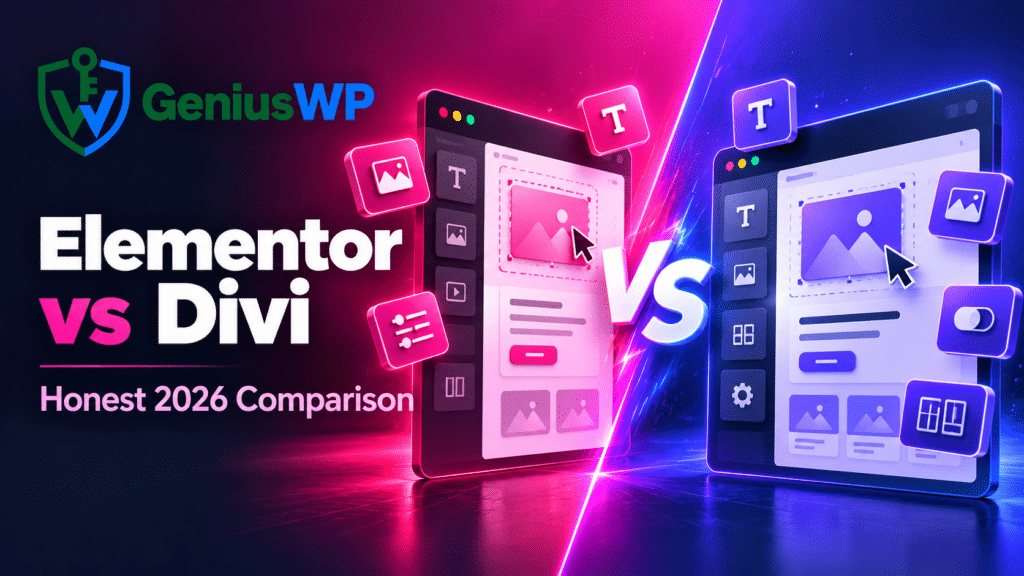
Elementor and Divi are the two most popular visual builders for WordPress, and choosing between them shapes how you build every site for years. This honest 2026 comparison covers ease of use, design freedom, speed, WooCommerce, ecosystem and long-term flexibility, so you can pick the right one for you, whether you are a beginner, a freelancer or an agency.
Skip to the Verdict →⚡ Quick Answer
Choose Elementor Pro if you want the biggest ecosystem of addons and templates and the freedom to use any theme. Choose Divi if you want an all-in-one theme and builder with a huge built-in layout library, especially if you build many sites and like the Divi Full Bundle tools. Both are excellent; the best choice depends on how you work.
In this guide
Elementor and Divi at a Glance
Elementor
A drag-and-drop page builder plugin that works with almost any WordPress theme. A free version is available; Elementor Pro adds the Theme Builder, forms, popups, a WooCommerce builder and more widgets.
- Works with Astra, Hello and most themes
- Largest third-party addon ecosystem
- Huge community and tutorials
Divi
A theme with a built-in visual builder (the Divi Builder) from Elegant Themes. It includes a large library of layout packs, a Theme Builder and design controls in one package.
- Theme and builder in one product
- Big built-in layout library
- Full bundle adds Extra, Bloom and Monarch
Elementor vs Divi: Side-by-Side
Swipe sideways on mobile to see every column.
| Category | Elementor Pro | Divi |
|---|---|---|
| Type | Builder plugin | Theme + builder |
| Theme choice | Any compatible theme | Divi theme (builder also as plugin) |
| Learning curve | Very easy | Easy, more settings to learn |
| Templates | Kits + huge third-party market | Large built-in layout packs |
| Theme Builder | ✅ (Pro) | ✅ |
| Popup builder | ✅ (Pro) | Via Bloom / addons |
| WooCommerce builder | ✅ (Pro) | ✅ |
| Addon ecosystem | Very large | Good, smaller |
| Best for | Beginners, freelancers, custom stacks | Agencies, multi-site owners |
Ease of Use
Elementor uses a simple layout: a widget panel on the left and a live preview on the right. You drag a widget in and style it. Most beginners build their first page within an hour, and there are endless tutorials worldwide.
Divi lets you edit directly on the page with floating controls. It feels very visual once you know it, but there are more settings and modals to learn at first.
🏁 Winner for beginners: Elementor. New to it? Follow our step-by-step Elementor website guide.
Design Freedom & Templates
Both builders give you full control over spacing, typography, colours, animations and responsive settings for tablet and mobile.
- Divi ships with a very large library of ready layout packs for many industries, built in and consistent in style.
- Elementor has its own kits plus a massive third-party market of template kits, like these industry kits: Justicio (law), Swanny (salon) and Comfy (interior design), and template libraries such as Templately Pro.
🏁 Result: a tie. Divi wins on built-in layouts; Elementor wins on variety from the wider market.
Speed & Performance
Both builders add more code than a hand-coded theme, and both have improved their asset loading in recent versions. In practice, how you build matters more than which builder you choose:
- Use a lightweight base theme with Elementor, like Astra Pro.
- Avoid stacking several large addon packs.
- Add caching and remove unused scripts. Our WP Rocket vs Perfmatters guide shows how.
- Compress images and keep animations light on mobile.
🏁 Result: a tie when both are set up properly. Need help? Try our speed optimization service.
WooCommerce
Both can design product pages, shop archives, cart and checkout layouts. Elementor Pro’s WooCommerce builder pairs well with addons like The Plus Addons for product grids and filters. Divi includes WooCommerce modules in the Theme Builder.
For serious stores, the checkout is where you win or lose sales, whichever builder you use. Tools like CartFlows Pro work with both. Planning a sale? Read our Black Friday 2026 WooCommerce checklist.
Ecosystem & Addons
This is Elementor’s biggest advantage. There are hundreds of addons for every need: mega menus, dynamic listings, advanced sliders and more.
Mega menus & headersCrocoblock
Dynamic listingsEssential Addons
All-round widgetsElement Pack Pro
Creative effects
See our full comparison: Best Elementor Addons in 2026. Divi has a solid marketplace too, and its Full Bundle already includes email opt-ins (Bloom) and social sharing (Monarch).
🏁 Winner: Elementor, by a wide margin.
Switching Later: Think Before You Choose
Page builders store your layouts in their own format. If you switch builders later, you will usually need to rebuild page designs, whichever one you start with. Pick the builder that fits your long-term workflow, keep your text content clean, and you will avoid painful migrations.
Whichever you choose, use licensed copies that receive updates. Builders and their addons are some of the most targeted plugins. Our WordPress security guide explains why, and the license keys guide shows how activation works.
Final Verdict: Elementor or Divi?
Choose Elementor Pro if you…
- Are a beginner or freelancer
- Want to pick your own theme
- Need lots of addons and templates
- Want the most tutorials and community help
Choose Divi if you…
- Want theme and builder in one product
- Build many client sites
- Love ready-made layout packs
- Want extra tools like Bloom and Monarch
Also deciding on a theme? Our Astra Pro vs Divi Theme Bundle comparison helps you choose.
Frequently Asked Questions
Is Elementor or Divi better for beginners?
Elementor is usually easier for beginners thanks to its simple panel-and-preview layout and the huge number of tutorials available.
Which is faster, Elementor or Divi?
Both can be fast when built carefully with a light setup, caching and optimised images. The way you build affects speed more than the builder itself.
Can I use Divi Builder with another theme?
Yes. The Divi Builder is also available as a plugin that can run on other themes, though most users choose the Divi theme for the full experience.
Is it easy to switch from Divi to Elementor?
Not really. Page designs usually need to be rebuilt when switching builders, so it is worth choosing carefully at the start.
Are prices shown in my local currency?
Yes. GeniusWP shows prices in the currency for your location. Choose an option on the product page to see the current price.
Pick Your Builder and Start Building
Genuine builders and addons with updates. Prices shown in your local currency.
📚 Keep reading
Disclaimer: GeniusWP is not affiliated with, endorsed by or sponsored by Elementor, Elegant Themes or the developers of the products mentioned. All product names and trademarks belong to their respective owners. Features depend on the version and option selected. For help, contact [email protected].